How to find trending audio on Instagram (and when it matters)
Where Instagram shows you trending sounds, which outside tools list them, and what our library of viral reels says about when a trending song is worth using.
You hear the same song under three reels in ten minutes and wonder if you should be using it. Maybe it's trending. Maybe your feed just likes it.
Instagram will tell you, if you know where to look. There are four places inside the app, plus a handful of outside tools that keep lists. This guide covers all of them, and what each one is good for.
Then there's the part the lists leave out: whether a trending sound is worth using at all. We checked the sound on more than 260,000 viral reels in our library. More than half didn't use a song. So the last part of this guide is about when a trending sound helps, and when your own voice will do more. We make one of the tools here, Aubrium, so we show where every number comes from.
To find trending audio on Instagram, look for the small arrow next to a sound's name on a reel, or open your dashboard and tap Trending audio for up to 50 tracks (US only). Tap a sound to see how many reels use it. Outside the app, Buffer posts a monthly list and Snaplytics a daily chart. Use one when it fits the reel.
How do you find trending audio inside Instagram?
There are four places in the Instagram app, and one in its video app, Edits. Here's what each one does.
The arrow on a reel
When you scroll Reels, a small arrow next to the audio name, under the account's name, means the sound is trending.
The audio page
Tap the sound's name to open its page. You'll see the reels that use it and how many have been made with it.6
The Trending audio list
In your dashboard or professional dashboard, tap Trending audio. It shows up to 50 tracks trending on Instagram now.
The music picker
When you add music to a reel, the picker has a Trending tab, and the bookmark saves a track for later.
The Edits app
Its inspiration tab shows trending reels, each with a Use audio button. In the US, its assistant suggests trending sounds for your niche.
The first and third come with limits. Instagram's help page puts it plainly:
“This feature is only available in the US and on the Instagram mobile app.”
You also need a public account, personal or professional, to see the list.1 The music picker's Trending tab comes from Buffer's guide, not from Instagram's help pages, so treat it as how the app looks today rather than a promise.2
Edits is Instagram's own video app and is listed as free in the app stores.3 Its trending reels are picked "based on things like how popular the reel may be, how others on Instagram are interacting with the reel, and when or where it was shared".4 Since 30 September 2026, people in the US can ask the Edits assistant what's trending, and it will "find trending audio recommendations that match your niche and style".5 There's a daily limit on how many questions you can ask.
If you're outside the US, Edits is the place to start. Its help page for trending reels doesn't name a region.
How do you tell if a sound is early or late?
Look at how many reels have used it. The audio page shows the count, and that number tells you roughly where the sound is in its run.
Metricool's guide gives one rule of thumb. Its writer calls tracks with the trending arrow and "fewer than 30,000 total creations" a sweet spot for growing brands, because your reel is less likely to be buried by big accounts using the same sound.6 That's their advice, not a rule from Instagram, but it's a sensible way to read the count.
You don't have to catch a sound on day one, though. In our library, sounds keep turning up on viral reels long after they first appear.
Aubrium's library, read 4 November 2026. "This month" is reels posted in the 30 days before. The last figure is the middle value across more than 600 songs that are each on 20 or more viral reels.
So most songs on this month's viral reels weren't new. One in four had been around for more than a year. And for the songs that showed up again and again, two thirds of their viral reels came outside their busiest month. A trend isn't over in a weekend, at least not for the reels that went on to travel.
Which tools show trending audio?
Several tools keep a list so you don't have to. They work in different ways: some copy Instagram's own chart, some count what their own users pick, and one is TikTok's. Prices are each tool's own, read on 4 November 2026.
| Tool | What it shows | Updated | Instagram? | Price |
|---|---|---|---|---|
| Aubrium | The sound on every viral reel in your niche, from accounts your size | New reels daily | Yes: Yes | From $49/mo7 |
| Instagram app | Up to 50 trending tracks, the arrow, each sound's reel count | Every few days2 | Yes: Yes | Built in; the list is US only1 |
| Edits | Trending reels with their audio; sounds for your niche in the US | Not stated | Yes: Yes | Free app3 |
| Buffer | A monthly list of trending sounds; Instagram audio in its scheduler | Monthly | Yes: Yes | Free plan; from $5 a channel a month8 |
| Metricool | Trending sounds when you leave the audio search empty in its planner | When you search | Yes: Yes | Free plan; from $25/mo10 |
| Butter | The sounds its own users are picking for Reels this week | Daily | Yes: Yes | Free tier with sign-up; from $375 per 3 months11 |
| Snaplytics | A chart of the top 50 trending songs on Reels | Daily | Yes: Yes | Free, no sign-up12 |
| TikTok Creative Center | Trends on TikTok, with a songs view in earlier versions | Not stated | No: TikTok only | Free13 |
None of these were tested hands-on for this guide. What each one does comes from its own pages, read on 4 November 2026.
1. Aubrium
Library of viral reelsFrom $49/moBest for: Seeing which sounds the reels taking off in your niche use, for accounts your size
Aubrium is a library of Instagram reels and posts that reached far more people than their creator has followers, all from accounts with 1,000 to 100,000 followers. Every post shows its sound: the song and artist, or that it's the creator's own audio.
It isn't a trending-songs chart. What it shows is the sound next to the reel that worked, so you can see whether the reels taking off in your niche lean on music or on voices. Filter by account size, country, format and hook type.
- Pricing
- $49, $99 or $249 a month. Every plan has every tool.7
- Trial
- No free plan or trial. A first plan is refundable within 15 days.
- Platforms
- The sound beside the reel that took off
- Only accounts your size, by niche
- No chart of trending songs
- Instagram only for now
- No free plan or trial
2. Buffer
Scheduler + monthly sound listFreeBest for: A monthly roundup of trending sounds, and adding a sound when you schedule
Buffer is a social media scheduler. Its blog publishes a list of trending Instagram sounds each month; the November 2026 edition has 13, each with the trend it goes with and an example post.2
Since 7 October 2026, you can "search and preview Instagram audio in the composer" and attach a track to a reel you schedule.9 The changelog doesn't say whether the composer marks which tracks are trending.
- Pricing
- A free plan; Essentials from $5 a channel a month, billed yearly8
- Trial
- 14 days on paid plans
- Platforms
- Instagram, TikTok, Facebook, LinkedIn and more
- A readable list each month, with the trend behind each sound
- Attach audio while scheduling
- One list for everyone, once a month
- Not by niche or account size
3. Metricool
Scheduler + analyticsFreeBest for: Picking a trending sound while you plan a reel
Metricool is a scheduler with analytics. In its planner, when you add audio to a reel and leave the search empty, it "automatically pulls the current trending sounds".6 You pick a licensed song or original audio, and it's attached when the reel goes out.
That works only if your Instagram account is linked "using the Facebook Login option".6 And the songs are the ones Meta clears for outside tools, which Metricool says is a more limited catalogue than the app's. Its blog has a guide to finding trending audio, but no regular list.
- Pricing
- A free plan; Starter from $25 a month, or $20 billed yearly, before VAT10
- Trial
- Free plan, no card
- Platforms
- Instagram, TikTok, YouTube, Facebook and more
- Trending sounds inside the scheduler
- A real free plan
- Needs your account linked through Facebook
- Fewer songs than the app itself
4. Butter
Multi-account posting toolFrom Free tierBest for: Teams running many accounts who want to see what other operators are using
Butter is a tool for posting and tracking across many accounts at once, aimed at agencies, brands and clippers. Its trending page lists "the tracks Butter operators are using on Reels this week, weighted by recent use and saves", refreshed daily.11
So the list reflects what Butter's own users pick, not Instagram's chart, and the live list sits behind a free sign-up.
- Pricing
- A free tier with no card; Starter $375 per 3 months for 10 accounts11
- Platforms
- Instagram, TikTok, X and YouTube
- A daily list from people posting for many accounts
- Its users' picks, not Instagram's chart
- Built and priced for teams
5. Snaplytics
Free trending-songs chartFreeBest for: A quick look at the songs trending on Reels today, with no account
Snaplytics used to be a Snapchat analytics service. That product is gone, and snaplytics.io is now a set of free tools.12 One of them is a chart of the "Top 50 trending songs on Instagram Reels, updated every day", which it says it captures from Instagram's own trending audio.
It shows songs only, not the reels that used them, and the chart doesn't say which country it covers.
- Pricing
- Free, no sign-up12
- Platforms
- Instagram (the chart)
- Daily, free, no account
- Songs only, no reels
- Region not stated
6. TikTok Creative Center
TikTok's trend pagesFreeBest for: Spotting a song that's starting on TikTok
TikTok's Creative Center is a free set of pages for advertisers. A copy of the page saved by the Internet Archive in May 2026 had a Songs view ("songs trending on TikTok"), with Popular and Breakout lists and a filter for songs "approved for business use".13 The pages have since moved under a new banner, TikTok One Creative Suite, and the help page now describes trending hashtags only.13
Buffer's guide notes that many sounds trending on Reels start on TikTok or YouTube Shorts.2 Treat the Creative Center as an early hint. Nothing in it is Instagram data.
- Pricing
- Free; browsing works without logging in13
- Platforms
- TikTok
- Free, with a business-use filter in earlier versions
- TikTok only
- Built for advertisers
Does trending audio still matter?
Less than the advice suggests. Instagram's own creator pages say the popularity of trends, "including music and sounds", feeds into how reels are ranked,14 but they never say how much (what Instagram says about sound). So we looked at what the viral reels in our library actually use.
56.6%their own sound
37%a song from Instagram's library
5.7%another creator's sound, or none
What the viral reels in Aubrium's library use for sound, read 4 November 2026.
More than half use the sound that came with the video: a voice, a kitchen, a street. In the last 30 days the creator's own sound was higher still, at more than 60% (this month's breakdown is in our guide to trending reels).
The songs are spread thin, too. The 97,000+ reels with a song used more than 33,000 different tracks between them, and 22.5% of them used a song no other viral reel in the library used. There's no single song everyone is riding.
When does a trending sound help?
When lots of other reels are using it at the same moment, a little. We grouped every viral reel with a song by how many other viral reels in the library used the same song within two weeks either side of it.
Reels on a song that was busy at the time travelled a bit further: 25 times their creator's followers for the middle one, against 20 for a song nobody else was using. The biggest lift went to reels that used another creator's original sound, at 29 times. That fits how sounds spread: people tap a sound and scroll through every reel that uses it.
It's a modest gap, though, and it's a gap between reels that all went viral anyway. A creator's own sound, the least "trending" choice of all, is what most of them used.
When should you skip the trending song?
When you're talking. Viral reels where the opening line is said out loud rarely use a song, because the voice is the sound.
15.8% use a song. 80.7% use their creator's own sound.
A song would talk over you.47.7% use a song. That's three times as often.
Visual reels are where a trending song earns its place.The same split shows up by format. The more a reel relies on pictures, the more likely it is to use a song.
So a slideshow, a before and after or a tour is a good home for a trending song. A talking head or an interview usually isn't.
How do you see which sounds work in your niche?
Look at the sound on the reels that broke out for accounts your size. The trending list is the same for everyone who opens it. A baker and a car detailer see the same 50 tracks.
By hand, find the outliers on ten accounts near your size, then tap through to each one's sound. If several of their breakouts use songs, a trending track may fit your niche. If most are voices, your own sound is the normal choice.
In Aubrium, you pick your niche and every viral reel shows its sound beside its hook and format, so you can see the pattern without opening a hundred profiles. Then choose the idea first, and the sound that suits it.
Questions people ask
What's the best tool to find trending audio on Instagram?
Instagram's own Trending audio list, in your dashboard, is the most direct, but it's US only. Outside the app, Snaplytics has a free daily chart, Buffer a monthly list, and Metricool shows trending sounds in its planner. Aubrium shows the sound on the viral reels in your niche.
How do I find trending audio on Instagram?
Look for the small arrow next to a sound's name on a reel, or open your dashboard or professional dashboard and tap Trending audio. Tap any sound to see its page and how many reels have used it.
Why can't I see trending audio on Instagram?
Instagram says the Trending audio list and the arrow work only in the US, on the mobile app, and you need a public account. Outside the US, try the inspiration tab in Edits, or a free chart like Snaplytics.
How do I know if a sound is trending on Instagram?
A small arrow next to its name on a reel means Instagram counts it as trending. Its audio page also shows how many reels have used it. Metricool's guide calls fewer than 30,000 a sign it's still early.
Does trending audio help reels get more views?
A little, and not on every reel. In Aubrium's library, viral reels on a song lots of others were using at the time travelled further than ones on a song nobody else was using: 25 times their followers against 20. But most viral reels used their creator's own sound.
Should I use trending audio or original audio?
If you talk to camera, your own sound is the normal choice: only 15.8% of viral reels with a spoken hook use a song. If your reel is visual, a slideshow, a tour or a before and after, a trending song fits far more often.
Can I add trending audio when I schedule a reel?
In some tools. Buffer lets you search and attach Instagram audio in its composer, and Metricool's planner shows trending sounds when you leave the search empty. Metricool needs your account linked through Facebook.
How we did this
What Instagram and Edits do comes from Instagram's help pages and the Edits blog and app listing, read on 4 November 2026. The music picker's Trending tab comes from Buffer's guide, because Instagram's help pages don't describe it. What every other tool shows, and its price, comes from its own site, read the same day. We didn't test any of these tools hands-on for this guide. TikTok's songs view is from an archived copy of May 2026, because the current page shows nothing to a reader without a browser.
The library numbers come from Aubrium's own database, read on 4 November 2026: every viral reel in it, with the sound Instagram credits. "Own sound" is audio credited to the creator, "a song" is a track credited to someone else and not labelled original audio, and "another creator's sound" is original audio credited to a different account. "This month" is reels posted in the 30 days before. Every reel here already went viral, so none of these numbers is the chance that a new reel will. Apps change; if something here is out of date, tell us and we'll fix it and move the date. And yes, Aubrium makes this page.
Sources
- Find & use trending audio on InstagramInstagram Help Center · US only, mobile app, public accounts, up to 50 tracks, the dashboard and the arrow, tapping through to the audio page. Undated. Read 4 November 2026.
- 13 Trending Sounds on Instagram in November 2026Buffer · The monthly list; the music icon's Trending tab and bookmark; "Many trending Instagram Reels sounds originate on TikTok or YouTube Shorts." 3 November 2026. Read 4 November 2026.
- Edits, an Instagram appApp Store · "Edits is a free video editor". Read 4 November 2026.
- View trending reels on EditsInstagram Help Center · How trending reels are picked; Use audio. Undated. Read 4 November 2026.
- Edits assistantEdits blog · US roll-out; "Ask what's trending on the platform"; trending audio "that match your niche and style"; a daily prompt limit. 30 September 2026. Read 4 November 2026.
- How to Find Trending Instagram AudioMetricool · The audio page's count; "fewer than 30,000 total creations"; the planner "automatically pulls the current trending sounds"; Facebook Login required. 29 May 2026. Read 4 November 2026.
- Aubrium pricingaubrium.com · Plans. Read 4 November 2026.
- Buffer pricingbuffer.com · Free plan; Essentials $5 a channel a month billed yearly; 14-day trial. Read 4 November 2026.
- Music, collaborators, and more for InstagramBuffer changelog · "Search and preview Instagram audio in the composer". 7 October 2026. Read 4 November 2026.
- Metricool pricingmetricool.com · Free plan; Starter $25 a month or $20 billed yearly, before VAT. Read 4 November 2026.
- Trending Instagram Reels audioButter · "the tracks Butter operators are using on Reels this week, weighted by recent use and saves"; and its pricing: a free tier, Starter $375 per 3 months for 10 accounts. Read 4 November 2026.
- Instagram trending songsSnaplytics · "Top 50 trending songs on Instagram Reels, updated every day"; and about Snaplytics: free tools, the old analytics product gone. Read 4 November 2026.
- Creative Center songs, archived copy of 17 May 2026TikTok For Business · "songs trending on TikTok"; Popular, Breakout, "Approved for business use". And How to use Trends: trending hashtags by industry, July 2026; Creative Center: free, login not required. Read 4 November 2026.
- How to GrowInstagram for Creators · "We consider the popularity of trends on Reels, including music and sounds, to determine how to rank and recommend content to new audiences." And its FAQ: "Using trending audio can also impact distribution." Undated. Read 4 November 2026.
Changelog
- First version.
Read next
 Tools & Comparisons15 min readHow brands find viral content ideas on InstagramThe four ways brand teams find reel ideas on Instagram, the tools for each with prices, and what 4,100+ viral brand reels in our library have in common.
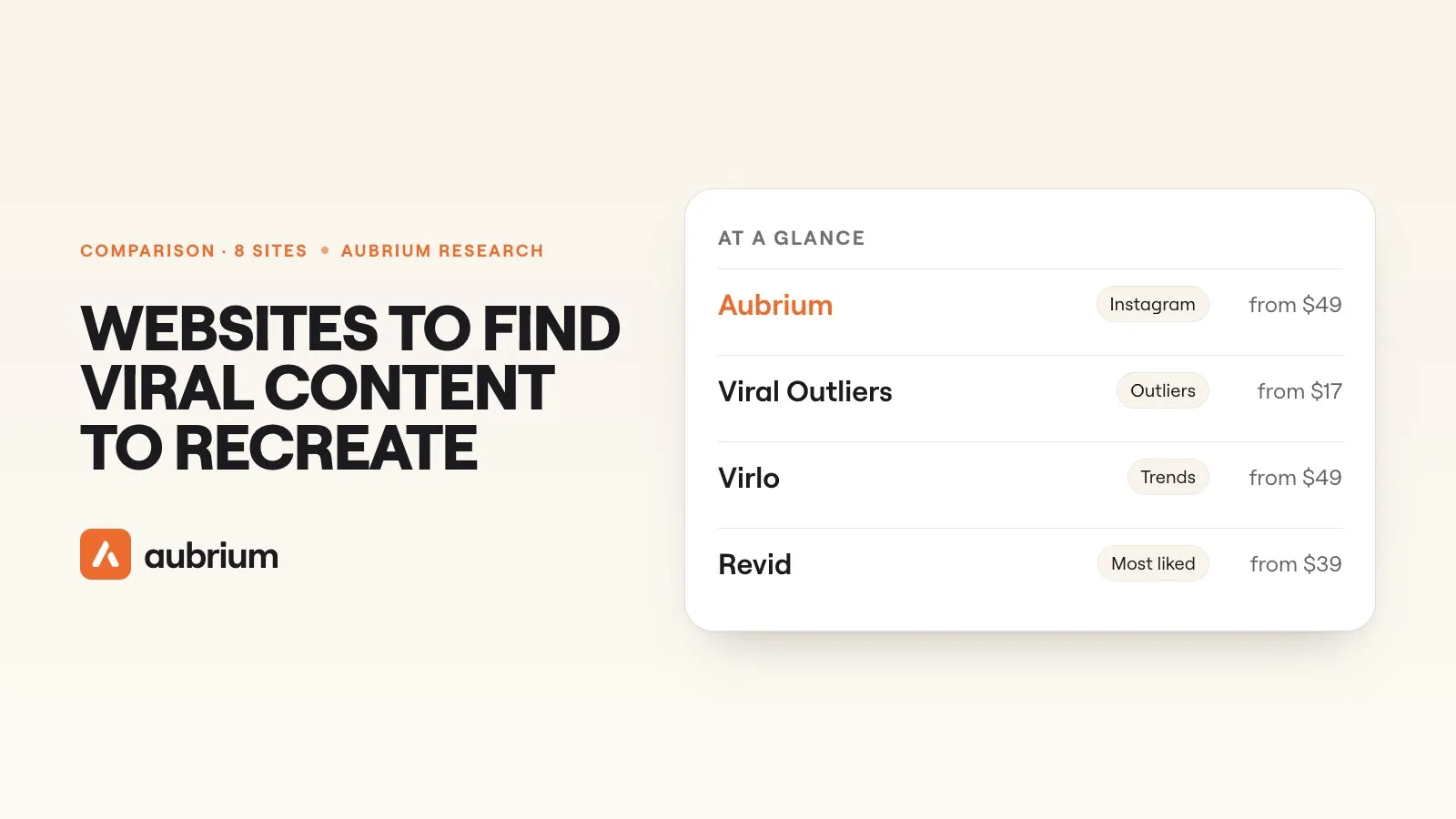 Tools & Comparisons12 min readThe best websites to find viral content to recreate (2026)Where to find viral videos worth remaking on Instagram, TikTok and YouTube, and how to recreate one so it's yours, not a copy. With our team's test numbers.
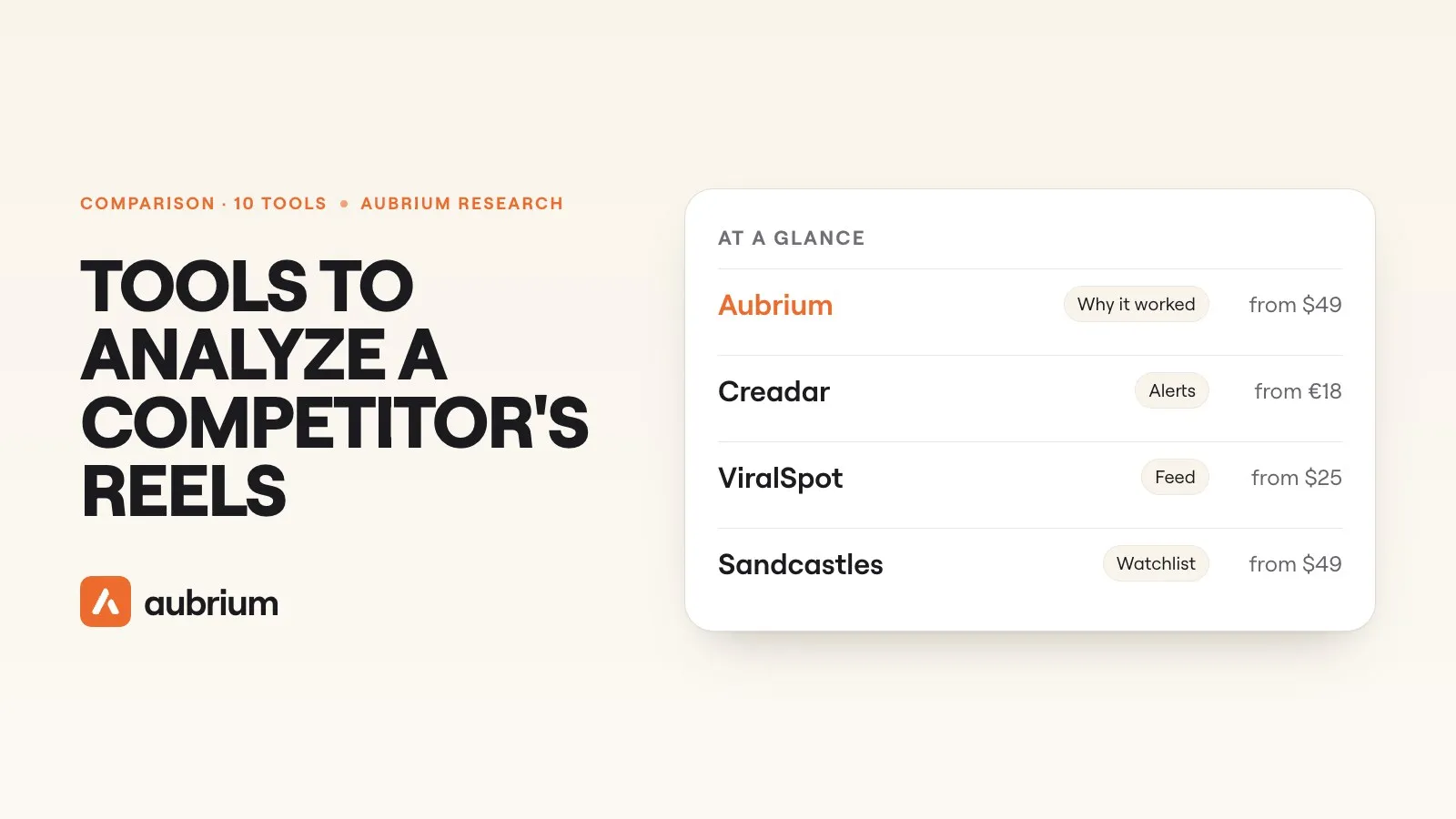 Tools & Comparisons13 min readThe best tools to analyze a competitor's Instagram reels (2026), comparedWhich tools show you a rival's reels that really took off, and why. Ten compared on features and pricing, with what our team found when we tested the trackers.