Instagram analytics vs research tools: which one a creator actually needs
Analytics shows how your own posts did. Research shows what's working for everyone else. The best tools for each in 2026, and which one a creator needs first.
Open Insights on a public Instagram account and you already have analytics. Views, interactions, new followers and the posts you shared, for any stretch of the last 90 days, at no cost. For a lot of creators, that's most of what they'll ever need.
So before you pay for an analytics tool, ask what you want it to do. If you want longer history, reports for a client or several networks in one place, you want an analytics tool. If you want to know what to post next, you want a different kind of tool. That one is called a research tool, and it looks at other people's posts instead of yours.
This guide covers both. Six analytics tools first, with what each one is good at and what it costs. Then the research side, and how to tell which one you're missing. Fair warning: we make a research tool, Aubrium, and it isn't an analytics dashboard. We'll say where it fits and where it doesn't.
For your own numbers, start with Instagram Insights. It's built into the app and costs nothing. If you need longer history, reports or several networks, Metricool is the best value, with a free plan and paid plans from $25 a month. Iconosquare and Later suit brand reports and feed planning. But analytics only shows your own posts. To find what to post next, you need a research tool like Aubrium.
Which one do you need?
Start from the job, not the tool. Find your line in this table.
| If you need… | Get |
|---|---|
| Your own views, reach and followers, at no cost | Instagram Insights |
| More than 90 days of history, or reports | Metricool, Iconosquare or Later |
| A schedulerwith analytics built in | Metricool or Later |
| Reports for clients, with rivals side by side | Socialinsider or Iconosquare |
| To see your audience the way a brand does | HypeAuditor's audit tool |
| Ideas for what to post next, from accounts your size | Aubrium |
| Ideas from TikTok and YouTubeas well | Viral Outliers or Virlo |
Most creators land on two lines: Insights for their own numbers, and one tool for ideas. A paid analytics tool comes later, when you report to someone or post to several networks.
What's the difference between analytics and research?
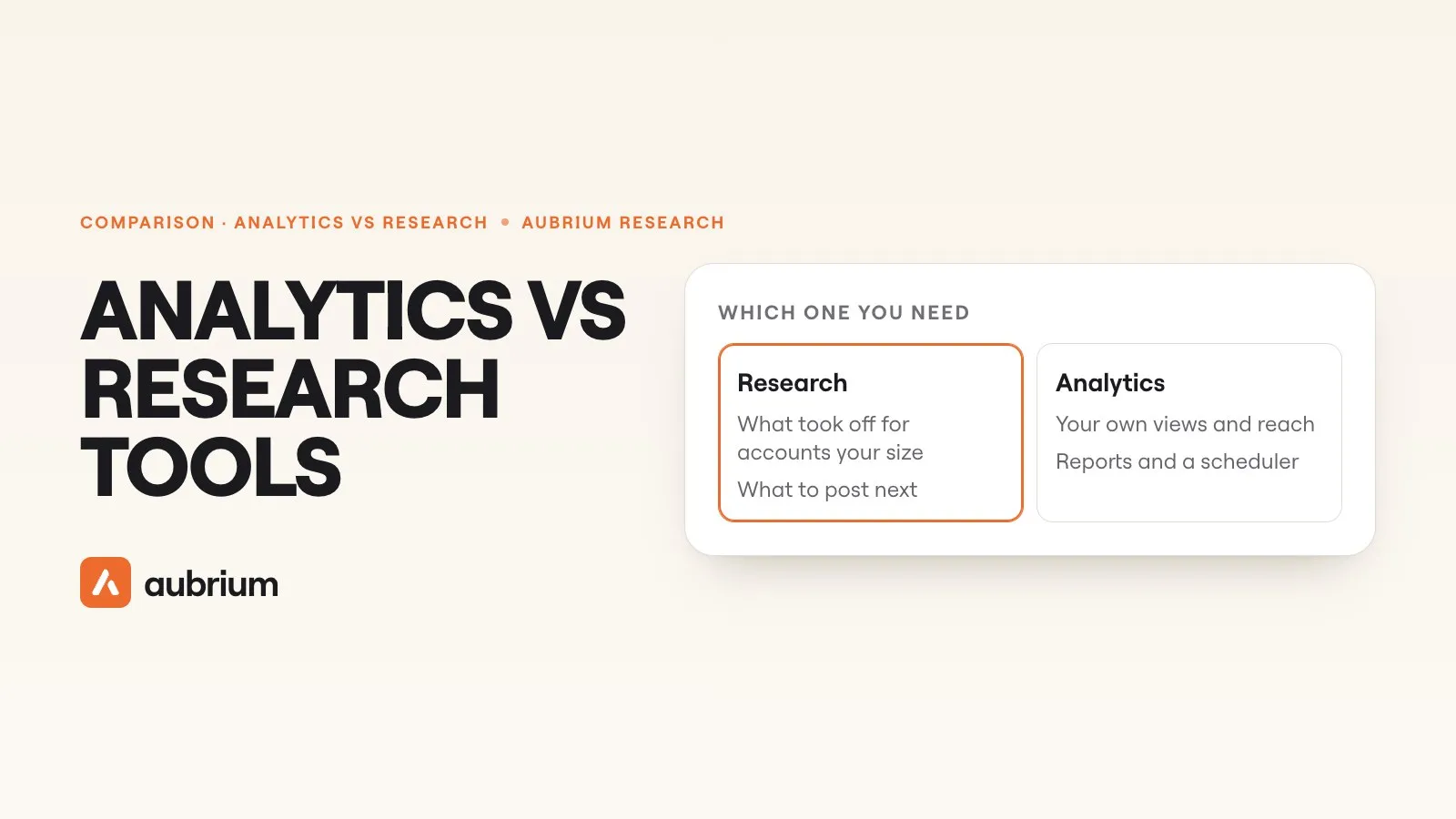
Analytics measures your own posts. Research looks at everyone else's, to find what's working before you make yours.
Views, reach, interactions, follower growth and who your audience is. For your own accounts, plus any rivals you add by hand.
Good for seeing what works for you, and reporting it.Posts that took off for other accounts, ideally ones your size. You see the hook, the format and the sound that carried each one.
Good for ideas you haven't had yet.The two meet at competitors. Most analytics tools let you add rival accounts and compare them with yours: followers, engagement rate, posting habits. But some numbers only the account owner can see. Socialinsider's own help pages mark rivals' Instagram reach and views as estimates, and say its data source "provides reach only for connected accounts".8 A research tool works the other way round. It starts from posts that already broke out, and checks each one against its own account.
Is Instagram Insights enough?
For your own numbers, often yes. Here's how Instagram describes it:
“If you have a public account on Instagram, you can use free insights to learn more about overall trends across your followers and your content's performance with your audience.”
The overview shows views, interactions, new followers and the posts you shared. You can pick any stretch within the last 90 days. Tap a single reel and you get its views, the accounts it reached, its interactions and the accounts that engaged. Once you have 100 followers, you also see where your followers live, their age range and when they're most active.1
It's Instagram's own data, so keep it whatever else you use. You'll outgrow it when one of these is true:
Signs you need more than Insights
- Yes: You need to look back further than 90 days
- Yes: You send a report to a client or a boss each month
- Yes: You post on several networks and want one dashboard
- Yes: You want rivals' accounts next to yours, on a schedule
- No: You want to know what to post next. Analytics won't tell you that
The analytics tools at a glance
Prices are each tool's own, read on its site on 4 November 2026. Our team didn't test these hands-on; each card says where its facts come from.
| Tool | Best for | History you get | Rivals | Price from |
|---|---|---|---|---|
| Instagram Insights | Your own numbers | Last 90 days | No: None | No cost |
| Metricool | Scheduling plus analytics, cheaply | 30 days free; unlimited paid | Yes: 5 free; up to 100 | Free plan; $25/mo |
| Iconosquare | Longer history and reports | 1 month free; 1–2 years paid | Partly: Top plan only | €9/mo, yearly |
| Later | Planning a feed, with analytics | 3 months to 2 years | Partly: Top plan only | $25/mo |
| Socialinsider | Teams benchmarking brands | 3 months on Adapt | Yes: Within 20 accounts | $99/mo |
| HypeAuditor | Checking an account's audience | Not stated | No: Not for reels | No public price |
The analytics tools, one by one
1. Metricool
Scheduler + analyticsFrom Free planBest for: Scheduling plus analytics, cheaply
Metricool plans and publishes your posts, then reports on how they did, across Instagram, TikTok, YouTube, LinkedIn and more. On paper it's the best value here. The free plan is real: 1 brand, 30 days of analytics and 5 competitor profiles.2
Paid plans keep your analytics with unlimited history, add PDF and PPT reports, and watch up to 100 competitors.2 For Instagram, competitors must be professional accounts, and your own account has to be linked through Facebook.3 There's more on how it differs from us in Aubrium vs Metricool. We didn't test it hands-on; this comes from its own site.
- Pricing
- A free plan; Starter $25 a month, or $20 billed yearly, before VAT
- History
- 30 days free; unlimited on paid plans
- Platforms
- Instagram, TikTok, YouTube, LinkedIn and more
- A free plan you can keep
- Unlimited history on paid plans
- Scheduling and reports in one place
- Your Instagram must be linked through Facebook
- Rivals only if they're professional accounts
2. Iconosquare
Analytics and reportsFrom €9/mo, yearlyBest for: Longer history and reports
Iconosquare calls itself analytics-first. It covers eight networks with reports, scheduling and listening. Its Starter plan keeps 1 year of analytics history, and Scale keeps 2 years.4
There's a free plan for 2 profiles with 1 month of history. Competitor tracking comes on Scale, 5 per profile. For that, your account and theirs must both be Instagram business profiles.4, 5 Prices vary by region. We didn't test it hands-on; this comes from its own site.
- Pricing
- From €9 a month billed yearly; Scale from €69 a month
- History
- 1 month free; 1 year on Starter; 2 years on Scale
- Trial
- 14 days, no card; a free plan for 2 profiles
- Platforms
- Instagram, Facebook, TikTok, LinkedIn and four more
- A year of history from the entry plan
- Strong reports
- Rivals only on the Scale plan
- Business profiles only, for rivals and for you
3. Later
Planner + analyticsFrom $25/moBest for: Planning a feed, with analytics
Later is a planner first. You lay out posts for Instagram, TikTok, Facebook and five more networks, and it publishes them. Analytics comes with every plan, and the history grows with the plan: 3 months on Starter, 1 year on Growth, 2 years on Scale.6
Every plan has a shareable Instagram report and a best time to post. Competitor benchmarking, for up to 20 accounts, is on Scale only. Its pricing page lists no free plan, but there is a 14-day trial.6 We didn't test it hands-on; this comes from its own site.
- Pricing
- $25, $50 or $110 a month; $18.75, $37.50 or $82.50 billed yearly
- History
- 3 months, 1 year or 2 years, by plan
- Trial
- 14 days
- Platforms
- Instagram, TikTok, Facebook and five more
- A shareable Instagram report on every plan
- Scheduling built in
- 3 months of history on the entry plan
- Rivals only on the Scale plan
4. Socialinsider
Analytics and benchmarksFrom $99/moBest for: Teams benchmarking brands
Socialinsider is built for social media teams. It puts your accounts and your competitors' side by side across six networks, with engagement rate, reach, Reels views and posting habits, and it sends automated reports.7
Its entry plan, Adapt, covers up to 20 accounts, yours and your rivals' together, with 3 months of history and one seat. Its pricing page pitches it at "new teams". Its own help pages mark rivals' Instagram reach and views as estimates.7, 8 We didn't test it hands-on; this comes from its own site.
- Pricing
- $99, $149 or $239 a month; Adapt is $82 a month billed yearly
- History
- 3 months on Adapt
- Trial
- 14 days, no card
- Platforms
- Instagram, Facebook, TikTok, LinkedIn, X, YouTube
- Rivals side by side, across six networks
- Automated reports for clients
- Priced for teams, not solo creators
- Rivals' reach and views are estimates
5. HypeAuditor
Influencer marketingFrom No public priceBest for: Checking an account's audience
HypeAuditor is mainly for brands and agencies that hire creators. It searches more than 226 million creator accounts and checks each one's audience for quality and fraud.9
For a creator, the useful part is its Instagram audit tool, which costs nothing. Type any username and it shows the account's followers, engagement rate and an Audience Quality Score.10 That's your account the way a brand will see it before a deal. It isn't a dashboard for your own reels, and the full platform has no published price: its pricing page is a demo form.9 We didn't test it hands-on; this comes from its own site.
- Pricing
- No published price; a demo form
- Audit tool
- No cost: followers, engagement rate, audience quality
- Platforms
- Instagram, YouTube, TikTok, X, Twitch
- See your audience the way a brand does
- A no-cost audit for any account
- Built for brands, not for tracking your reels
- No published prices
Where does analytics stop?
At your own front door. Every tool above is built to report on accounts you already know. That's a real job. But three things get in the way when you use one to decide what to make.
It only sees accounts you add
None of these tools finds posts from accounts you've never heard of. That's where most new ideas are.
A view count has no yardstick
Insights might tell you a reel got 150,000 views. Whether that's good depends on the account. Among viral reels in our library from accounts under 2,000 followers, the middle one got 132,740 views. From accounts with 50,000 to 100,000, the middle one got 637,342.
It tells you what happened, not what's next
An analytics chart shows your last 90 days. It can't show you the hook that's working this week for someone in your niche.
That second point trips up a lot of creators. A view count on its own says very little until you set it against the account's size. And engagement rate, which many of these tools show, isn't one formula either.
What does a research tool add?
It starts where analytics stops: with posts that already took off, from accounts you don't know yet. You see what worked, then make your own version. Here's ours, as the one research tool on this page.
6. Aubrium
Research, not analyticsFrom $49/moBest for: Deciding what to post next
Aubrium is a library of Instagram reels and posts that reached far more people than their creator has followers. Every account in it has between 1,000 and 100,000 followers. In our team's study of reel finders, the typical account in its results had 5,607 followers.14 You filter by niche, country, format, account size and hook type. Each post shows its hook, caption, hashtags and sound.
Research Any Topic finds viral reels for a topic you type. Analyse Competitors ranks a rival's posts against their own normal. Make my version writes your own script, hooks and caption from any reel.
It has one analytics-style tool, Performance. It reads your public profile and puts each reel next to your usual views. It compares your five best reels with your five worst. And each week it gives you a Match score out of 100: how often you post, and how closely your last 12 reels follow what goes viral in your niche and region.11 There's nothing to connect, and it doesn't use Sparks.
But it can't see your reach or your audience, and it doesn't make client reports. Keep Insights for those.
- Pricing
- $49, $99 or $249 a month, for 2, 5 or 10 Instagram accounts. Every plan has every tool.12
- Trial
- No free plan or trial. A first plan is refundable within 15 days.13
- Platforms
- Ideas from accounts your size, none over 100,000
- Your reels next to your usual views, with nothing to connect
- First in our blind script test
- Not an analytics dashboard: no reach, audience or reports
- Instagram only for now
- No free plan or trial
Aubrium isn't the only research tool. If you post on TikTok and YouTube too, Viral Outliers and Virlo search all three. We compared eight of them, with our team's test numbers, in the best Instagram content research tools.
Do you need both?
Most creators need Insights plus one research tool. Insights tells you how your last reels did. The research tool gives you the next idea. A paid analytics tool earns its place later, once you report to someone, post on several networks or need more than 90 days of history.
Questions people ask
What is the best Instagram analytics tool for creators?
Instagram Insights, for most creators: it's built into the app and costs nothing. If you need longer history, reports or several networks, Metricool is the best value, with a free plan and paid plans from $25 a month. Iconosquare keeps a year of history from its entry plan, and Later up to 2 years on its top plan.
Is Instagram Insights enough for a creator?
For your own numbers, usually yes. It shows views, reach, interactions and follower growth for the last 90 days on any public account. You'll want more once you need longer history, client reports or ideas for what to post next.
Do I need a professional account to see Instagram analytics?
Instagram's Help Center says any public account can use insights. Third-party tools often ask for more: Metricool needs your Instagram linked through Facebook, and Iconosquare's competitor tracking needs business profiles.
Can analytics tools show my competitors' reels?
Some compare rival accounts with yours, including Metricool, Socialinsider, and Iconosquare and Later on their top plans. Socialinsider marks rivals' reach and views as estimates, though, because the owner's own numbers aren't shared. To see which of a rival's reels broke out, use a research tool.
What's the difference between Instagram analytics and content research?
Analytics measures your own posts: views, reach, followers. Content research looks at other people's posts to find what's working before you make yours.
Is Aubrium an analytics tool?
Mostly no. It's a research tool: a library of viral reels from accounts with 1,000 to 100,000 followers. Its Performance tool puts your reels next to your usual views and gives you a weekly Match score, but it can't see your reach or audience. Keep Insights for those.
Which Instagram analytics tools have a free plan?
Metricool has one, with 1 brand, 30 days of analytics and 5 competitor profiles. Iconosquare has one for 2 profiles with 1 month of history. Instagram Insights itself costs nothing.
How we did this
We read each analytics tool's own site on 4 November 2026: pricing, plan tables and help pages. Our team didn't test Metricool, Iconosquare, Later, Socialinsider or HypeAuditor hands-on for this guide, and each card says so. Where a tool's pages disagree with each other, we left the claim out. Instagram's Help Center doesn't answer automated readers, so we read its insights page through an archived copy from 10 May 2026.
The research side comes from our team's hands-on study of eight viral reel finders in October 2026, next to Aubrium. Aubrium's library numbers come from its own database, read on 4 November 2026. Every reel in the library already went viral, so those numbers aren't the odds for a new one. Apps change; if something here is out of date, tell us and we'll fix it and move the date. And yes, Aubrium makes this page.
Sources
- About Instagram insights, archived copy of 10 May 2026Instagram Help Center · Insights for public accounts; any timeframe "within the past 90 days"; follower trends from 100 followers; reels reach "estimated and in-development". The live page doesn't answer fetchers. Read 4 November 2026.
- Metricool pricingmetricool.com · The free plan (1 brand, 30 days of analytics, 5 competitors); Starter prices before VAT; "Analytics with unlimited history"; PDF and PPT reports. Read 4 November 2026.
- How to add competitors in MetricoolMetricool help · "You can only add professional accounts"; your Instagram linked through Facebook. Read 4 November 2026.
- Iconosquare plans and pricingiconosquare.com · Plans, regional prices, history by plan, the free plan, the 14-day trial, competitors on Scale. Read 4 November 2026.
- How can I add a competitor?Iconosquare support · Competitors "must be a Business Profile", and so must yours. Read 4 November 2026.
- Later pricinglater.com · Prices, analytics history by plan, the Instagram report, competitive benchmarking on Scale, the 14-day trial. Read 4 November 2026.
- Socialinsider pricingsocialinsider.io · Plans, Adapt's 20 accounts and 3 months of history, "For new teams", the 14-day trial; and its Instagram page: rivals side by side. Read 4 November 2026.
- App limitations: a complete guideSocialinsider help · Competitors' Instagram reach and views "Estimated"; "API provides reach only for connected accounts". Read 4 November 2026.
- HypeAuditor pricinghypeauditor.com · No published prices, a demo form; and its discovery page: "226.8M+ accounts", audience quality and fraud checks. Read 4 November 2026.
- Free Instagram audit toolHypeAuditor · Followers, engagement rate and Audience Quality Score for any account. Read 4 November 2026.
- Performanceaubrium.com · Every reel next to your usual views; best vs worst; the weekly Match score; nothing to connect; no Sparks. Read 4 November 2026.
- Aubrium pricingaubrium.com · Plans, accounts and Sparks. Read 4 November 2026.
- Can I get a refund?Aubrium Help Center · A first subscription refunded in full within 15 days. Read 4 November 2026.
- We ran 1,300+ searches in 8 viral reel findersAubrium · Our team's hands-on study, October 2026: the typical account in each tool's results. Read 4 November 2026.
Changelog
- First version.
Read next
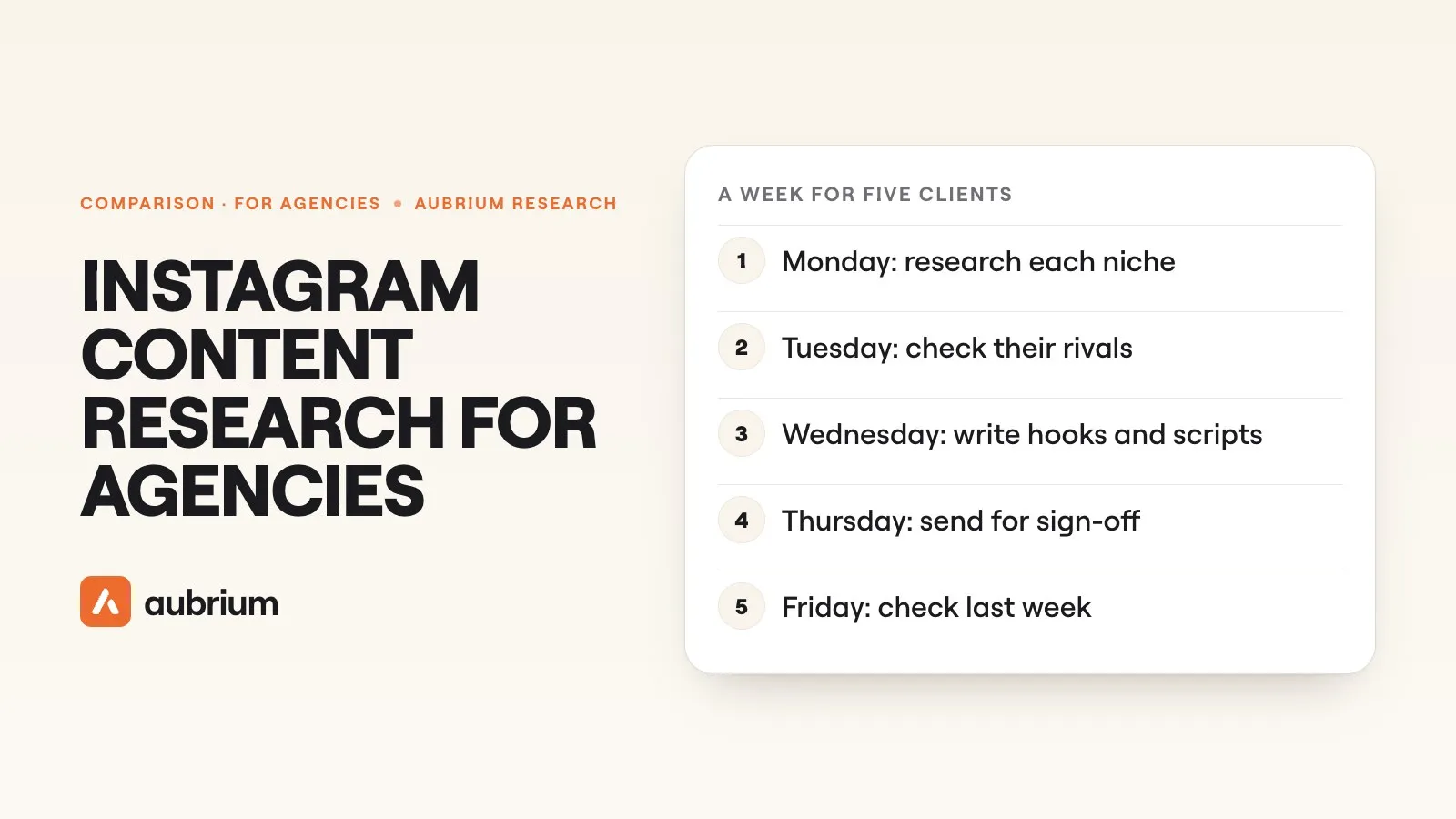 Tools & Comparisons14 min readInstagram content research for agencies: the tools and a weekly workflowIdeas for every client, every week. The tools agencies use to research Instagram content, what each is for, and a weekly routine that fits a client list.
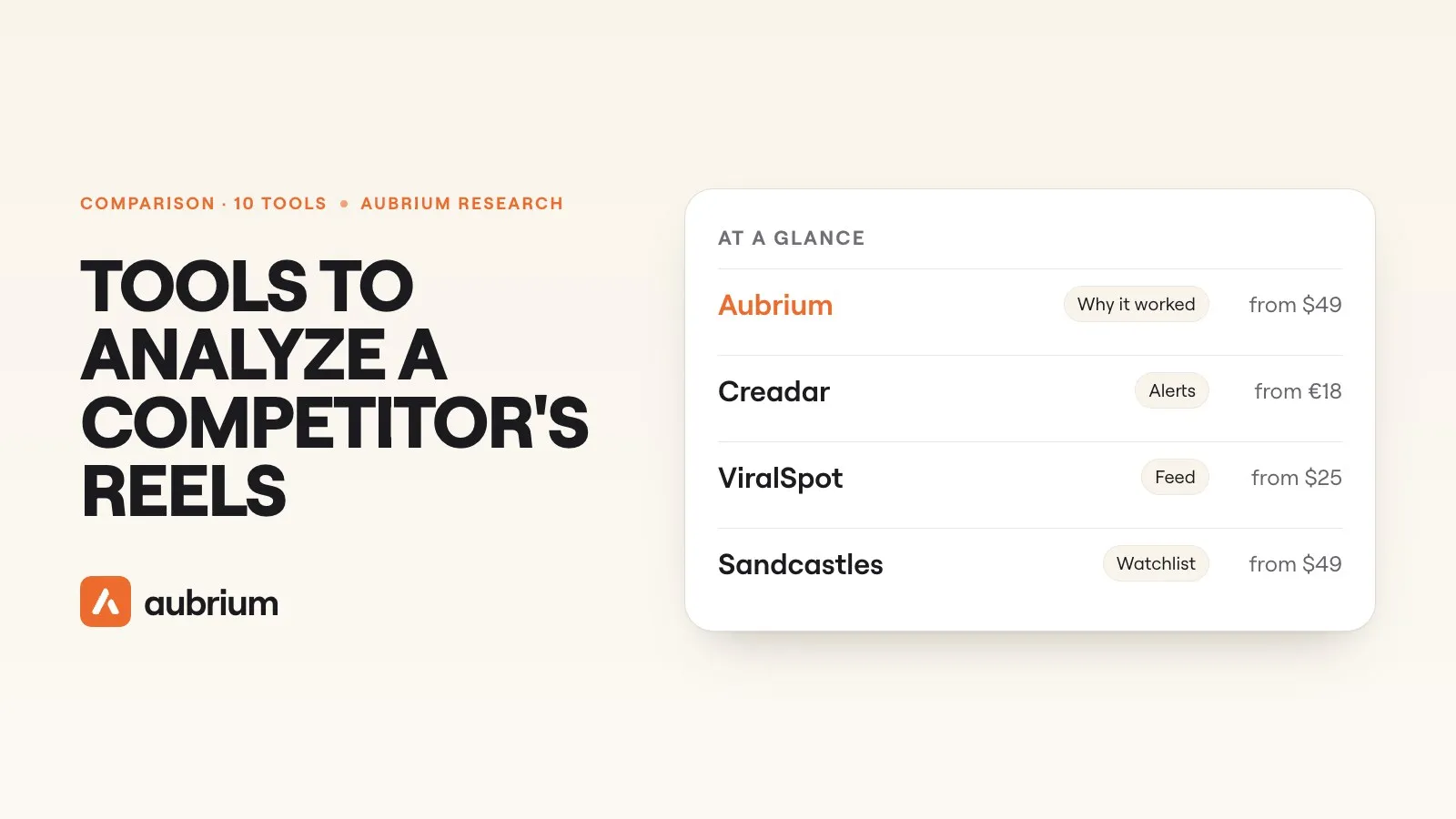 Tools & Comparisons13 min readThe best tools to analyze a competitor's Instagram reels (2026), comparedWhich tools show you a rival's reels that really took off, and why. Ten compared on features and pricing, with what our team found when we tested the trackers.
 Tools & Comparisons15 min readHow brands find viral content ideas on InstagramThe four ways brand teams find reel ideas on Instagram, the tools for each with prices, and what 4,100+ viral brand reels in our library have in common.