Instagram content research for agencies: the tools and a weekly workflow
Ideas for every client, every week. The tools agencies use to research Instagram content, what each is for, and a weekly routine that fits a client list.
A plumber with 2,610 followers posted a reel about an apprentice who fitted a toilet before closing the cabinet. It got 5.3 million views.
If you run Instagram for a plumber, a café or a real estate agent, that's the reel you want to find. It came from an account your client's size, in your client's trade, and it travelled on the idea alone. Find one like it for each client every week and you'll never be short of something to post.
That's what content research means at an agency. It's a different job from reporting, and most tools people name for it were built for reporting. So this guide sorts them by the job they do, then lays out a weekly routine for several clients. We make one of the tools, Aubrium, so we show where every number comes from.
To research Instagram content for several clients, use a library of viral reels for ideas and a dashboard for reports. Aubrium finds viral reels in each client's niche from accounts with 1,000 to 100,000 followers, with plans for 2, 5 or 10 accounts. Use Socialinsider or Iconosquare for client reports, Metricool to schedule, Foreplay for paid ads, and Google Trends or AnswerThePublic for what people search.
What does content research mean for an agency?
It means finding what to post next for each client, before anyone films. That's one of three jobs a social media team does each week, and each one needs a different kind of tool.
Ideas
Reels in each client's niche that did far better than their account usually does. This is where next week's posts come from.
Rival watch
The accounts each client is up against, and which of their posts took off.
Reports
Your client's own numbers, and how they compare, in a form you can send them.
Reporting tools are good at the third job and fair at the second. They can't do the first, because they only show accounts you add. A research tool starts at the other end: posts that already broke out, from accounts you've never heard of.
The tools at a glance
Prices are each tool's entry plan, read on its own site on 4 November 2026.
| Tool | Best for | Finds reels from new accounts? | Several clients? | Price from |
|---|---|---|---|---|
| 1. Aubrium | Ideas in each client's niche | Yes: Viral posts from 1K–100K accounts | Yes: 2, 5 or 10 accounts | $49/mo |
| 2. Socialinsider | Benchmarks and client reports | No: Only accounts you add | Yes: 20 profiles, rivals included | $99/mo |
| 3. Iconosquare | Reports, with a scheduler | Partly: Top posts on a hashtag, Scale plan | Yes: From 3 profiles | €9/mo, yearly |
| 4. Metricool | Scheduling for many brands | Partly: A hashtag tracker, $25 a day | Yes: Priced by brand | Free plan; $25/mo |
| 5. Virlo | Trend alerts on three platforms | Yes: Research agents by topic | Yes: Team seats on Pro | $49/mo |
| 6. Foreplay | Clients who run paid ads | Partly: Ads and posts you save | Yes: $20 per extra user | $59/mo |
| 7. BuzzSumo | Blog, PR and web content | No: No Instagram | Partly: 1 user on the entry plan | $199/mo, yearly |
| 8. TrendTok | TikTok trends on your phone | No: TikTok only | No: An iPhone app | $2.99/week |
| Google Trends, Pinterest Trends, AnswerThePublic | What people search for | No: Searches, not posts | Partly: One topic at a time | Google and Pinterest free; AnswerThePublic $10/mo, yearly |
The tools, one by one
1. Aubrium
LibraryFrom $49/moBest for: Ideas in each client's niche
Aubrium is a library of Instagram reels and posts that reached far more people than their creator has followers, all from accounts with 1,000 to 100,000 followers. For an agency, that size band is the point. A local business's account usually sits inside it, so the ideas come from accounts like your clients'.
Each plan covers a number of Instagram accounts, and Pro is sold "for agencies running several accounts".1 Add each client's account and pick its niche, then filter by country so a café in Leeds sees what worked in the UK. Save the good reels to a collection for that client and export it as a CSV for sign-off.2 Analyse Competitors ranks a client's rivals' posts against their own normal,4 and Make my version writes a script, 20 hooks and a caption from any reel.
- Pricing
- $49, $99 or $249 a month, for 2, 5 or 10 Instagram accounts and 100, 250 or 1,000 Sparks. Every plan has every tool.
- Trial
- No free plan or trial. A first plan is refundable within 15 days.3
- Platforms
- Ideas from accounts your clients' size
- A collection per client, with CSV export
- A country filter, which local clients need
- Instagram only for now
- No client reports and no scheduler
- Tracking lots of rivals uses Sparks fast
2. Socialinsider
Analytics and benchmarksFrom $99/moBest for: Benchmarks and client reports
Socialinsider is built for social media teams. You add your clients' accounts and their competitors', and it compares them side by side: engagement rate, reach, Reels views and posting habits, across six networks. Automated reports come on every plan, and branded ones from its Predict plan.
Its entry plan's 20 accounts include the competitors, so five clients with three rivals each fills it. Its help pages mark competitors' Instagram reach and views as estimates, and it won't find posts from accounts you haven't added.5 We didn't test it hands-on; this comes from its own site.
- Pricing
- $99, $149 or $239 a month; Adapt is $82 a month billed yearly
- Trial
- 14 days, no card
- Platforms
- Instagram, Facebook, TikTok, LinkedIn, X, YouTube
- Side-by-side benchmarks for each client
- Automated reports on every plan
- Competitors count toward the 20 accounts
- Competitors' views and reach are estimates
3. Iconosquare
Analytics and reportsFrom €9/moBest for: Reports, with a scheduler
Iconosquare calls itself an analytics-first social media manager: reports, scheduling and listening across eight networks. Its Custom plan adds white-label reports, the kind agencies send under their own name. Competitor tracking and hashtag tracking come on its Scale plan, where a tracked hashtag shows its top 10 posts.
Both your client's account and the competitors must be Instagram business profiles. Its competitor numbers run from posts published to average likes, average comments and most engaging posts; views aren't on the list.6 We didn't test it hands-on; this comes from its own site.
- Pricing
- From €9 a month billed yearly; competitors on Scale, €69 a month billed yearly. Prices vary by region.
- Trial
- 14 days, no card; a free plan for 2 profiles
- Platforms
- Instagram, Facebook, TikTok, LinkedIn and four more
- Strong reports, white-label on Custom
- A scheduler included
- Competitors only on Scale
- Business profiles only, and no views listed
4. Metricool
Scheduler + analyticsFreeBest for: Scheduling for many brands
Metricool is a scheduler first, with analytics and a competitor view, and its pricing suits agencies: you pay by the number of brands. Starter is $25 a month for up to 5 brands, or $45 for up to 10, billed monthly. Starter analyses up to 100 competitors per network.
For Instagram, competitors must be professional accounts, and each client's account has to be linked through Facebook. It lists competitors' posts sorted by the metric you pick, but it doesn't flag the ones that broke out, and it won't find accounts you haven't added.7 We didn't test it hands-on; this comes from its own site.
- Pricing
- A free plan; Starter from $25 a month, before VAT
- Trial
- Free plan, no card
- Platforms
- Instagram, TikTok, YouTube, Facebook and more
- Priced by brand, which suits agencies
- Scheduling and reports in one place
- Competitors must be professional accounts
- Not a reel finder
5. Virlo
AI search + research agentsFrom $49/moBest for: Trend alerts on three platforms
Virlo is built for teams that cover TikTok, Instagram and YouTube. You set up research agents that keep collecting videos on a topic, and get alerts when something takes off. Its Pro plan includes 3 team seats.8
Instagram was its weak side when our team studied it hands-on. Of the Instagram reels its beauty research agent collected, 87% had fewer views than the account has followers.9 If your clients are Instagram-first, check what an agent brings back before you build a week on it.
- Pricing
- $49 or $199 a month; Enterprise from $499
- Trial
- 7 days; no refunds after the trial ends
- Platforms
- TikTok, Instagram Reels, YouTube Shorts
- Agents that keep searching after you close the tab
- Team seats on Pro
- Most collected Instagram reels hadn't beaten their followers
6. Foreplay
Ad libraryFrom $59/moBest for: Clients who run paid ads
Foreplay is for ad creative. Its Chrome extension saves ads from Meta's Ad Library and TikTok's, plus organic Instagram and TikTok posts, into boards you can share with your team or a client. Its Workflow plan tracks every ad a competitor runs.10
It's built around ads, not organic reels, so it won't tell you which posts beat their account's usual. If a client spends on Meta ads, though, it's the one tool here made for that. We didn't test it hands-on; this comes from its own site.
- Pricing
- $59 a month, or $49 billed yearly; Workflow $175 with 5 users
- Trial
- 7 days
- Platforms
- Meta and TikTok ads, organic Instagram and TikTok
- Shareable boards for clients
- Tracks competitors' ads
- Ads first, not organic reels
- $20 for each extra user
7. BuzzSumo
Web content researchFrom $199/moBest for: Blog, PR and web content
BuzzSumo searches billions of pieces of web content to show what got the most engagement on a topic. Its Trending feeds show the day's most viral posts, and its Question Analyzer pulls real questions from forums such as Reddit and Quora.
Its own site says it covers Facebook, X, Reddit and YouTube. Instagram isn't on the list, so it's for a client's blog, newsletter or PR rather than their reels.11 We didn't test it hands-on; this comes from its own site.
- Pricing
- $199 a month billed yearly, for 1 user
- Trial
- Free trial, no card
- Platforms
- The web, Facebook, X, Reddit, YouTube
- A huge index for blog and PR ideas
- Real questions from forums
- No Instagram
- The highest entry price here
8. TrendTok
Mobile trend appFrom $2.99/weekBest for: TikTok trends on your phone
TrendTok is an iPhone app for TikTok trends and sounds. It suggests trends for your location and niche, and keeps a soundboard of trending sounds you can save.
Its App Store page talks about TikTok throughout and doesn't mention Instagram.12 We didn't test it hands-on; this comes from that page.
- Pricing
- Free to download; Pro in the app, from $2.99 a week
- Platforms
- TikTok, on iPhone
- Quick to check on your phone
- TikTok only
- No Android or desktop app
What about Google Trends, Pinterest Trends and AnswerThePublic?
They show what people search for, not what they watch. That's still useful when you're picking topics for a client.
Google Trends
Shows how interest in a search term rises and falls, scaled from 0 to 100, down to city level.13 Handy for timing a seasonal topic for a local client.
Pinterest Trends
Shows the top searches, saves and shopping trends on Pinterest by region, up to two years back. You log in with a Pinterest business account.14
AnswerThePublic
Lists the questions people ask about a topic across Google, YouTube, Amazon, ChatGPT and more. Each one is a possible reel. Starter is $10 a month billed yearly, for 100 searches.15
None of the three shows you a reel. Use them to pick a topic, then search that topic for reels that already worked.
A weekly workflow for several clients
Here's a week that fits around a client list. Research is the short part once it's a habit; filming and editing take the time.
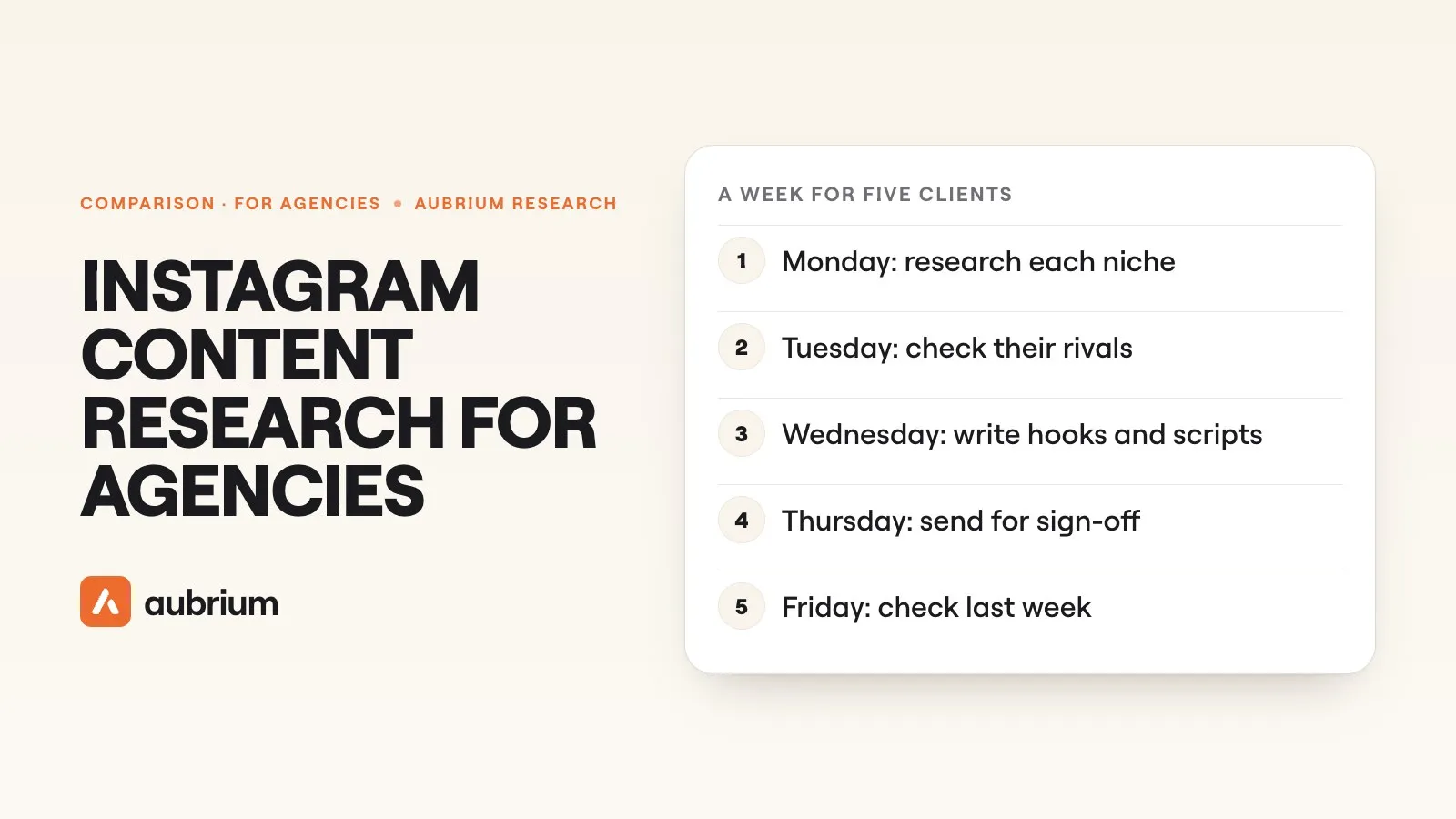
Monday: research each client's niche
Open the client's niche, set the country to where they trade, and keep the account size close to theirs. Save five reels worth making to that client's collection.
Tuesday: check their rivals
Look at what took off for the two or three accounts each client is up against. A rival's breakout is a topic your client's audience already cares about.
Wednesday: write
Pick the two or three best ideas for each client and write hooks and a script for each. Keep the idea and the structure, and make the rest theirs.
Thursday: send for sign-off
Send the shortlist with the scripts, or export the collection as a CSV. The client sees why each idea is there: a real reel that worked.
Friday: check last week
Compare each post's views with the client's usual. Note what beat it, and take that into next Monday's search.
Here's what Monday turned up for three kinds of client when we ran it on 4 November 2026.
| Client | A reel worth a look | Format | Account | Views |
|---|---|---|---|---|
| Coffee shop | "Do you guys even work together just the two of you?" | A skit | 4,874 followers | 11.2 million |
| Real estate agent | "This map shows you the shadow before you buy the house" | A tutorial | 6,130 followers | 21.5 million |
| Hair salon | "Cap highlight and keratin straight" | A tutorial | 2,578 followers | 9.5 million |
Each is among the reels that travelled furthest for their account's size in that niche, posted in the last 90 days. They're the extremes, not the typical hit. But none of the three accounts had 10,000 followers, and two of the three reels are simple tutorials.
Is there enough to research in a local client's niche?
For most trades, yes. Here's what Aubrium's library held on 4 November 2026 for eight niches agencies often look after.
| Niche | Viral posts | Posted in the last 90 days | Middle reel's views ÷ followers | From accounts under 10K |
|---|---|---|---|---|
| Coffee shops | 900+ | 300+ | 21.4× | 51.5% |
| Restaurants | 1,000+ | 390+ | 20× | 48.8% |
| Real estate agents | 3,400+ | 1,100+ | 18.7× | 56.7% |
| Hair salons | 2,800+ | 1,200+ | 23.7× | 45.4% |
| Cosmetic dentists | 1,000+ | 400+ | 19.4× | 51.9% |
| Chiropractors and physios | 900+ | 400+ | 24.2× | 45.7% |
| Plumbers | 700+ | 230+ | 54.4× | 55.1% |
| Law firms | 1,300+ | 500+ | 16.8× | 48.1% |
About half the viral posts in each niche came from accounts under 10,000 followers. If your client has a few thousand followers, that's a lot of material from accounts their size. And plumbers' hits travelled furthest of the eight: the middle one reached 54.4 times its account's followers.
What does a month cost for five clients?
In Sparks, it depends on how much you make. Browsing a niche and saving reels to collections costs no Sparks. Writing scripts, searching a topic and tracking a rival do.1
| What | Sparks each | Five clients, one month | Sparks |
|---|---|---|---|
| Browse and saveto each client's collection | None | Every week | 0 |
| Script and 20 hooks | 4 | Two a week per client | 160 |
| Search a topic | 10 | One per client | 50 |
| Total | 210 of Growth's 250 |
Tracking a rival is 40 Sparks for 30 days, so one tracked rival takes Growth to exactly 250. Track more and you'll need a Spark pack, from $20 for 40, or Pro. Pro's 1,000 Sparks cover ten clients at this pace (420 Sparks) and still leave room for 14 tracked rivals.
Where does Aubrium fall short for agencies?
It does one job, and you'll probably pair it with a tool for reports or scheduling.
What Aubrium doesn't do
- No: Other platforms: it's Instagram only for now
- No: Client reports: you get a CSV of a collection, not a branded report
- No: Scheduling or posting
- No: A free plan or trial, though a first plan is refundable within 15 days
- No: Unlimited rival tracking: each rival is 40 Sparks for 30 days
Which tool fits your agency?
| If you… | Pick |
|---|---|
| need ideas for each clientevery week | Aubrium |
| report to clientson their numbers and their rivals | Socialinsider or Iconosquare |
| schedule postsfor many brands | Metricool |
| run Meta adsfor clients | Foreplay |
| cover TikTok and YouTubetoo | Virlo |
| write blogs and PRfor clients | BuzzSumo |
| plan topicsaround what people search | Google Trends or AnswerThePublic |
If the agency also posts for itself, our hooks for marketing agency reels come from the same library.
Questions people ask
What are the best tools for social media agencies to research Instagram content?
Aubrium for ideas from accounts your clients' size, with plans for 2, 5 or 10 Instagram accounts. Socialinsider or Iconosquare for benchmarks and client reports, Metricool for scheduling, and Foreplay if your clients run ads.
How do social media managers find content ideas for clients?
They look at what already worked for similar accounts. Each week, search the client's niche for reels that beat their account's usual, save the best to a folder for that client, and write the client's own version of each.
Can one Aubrium plan cover several clients?
Yes. Each plan covers a set number of Instagram accounts: 2 on Lite, 5 on Growth and 10 on Pro. Each account has its own niche, collections and rivals.
Do I need my clients' Instagram passwords?
Not for Aubrium. It reads public posts and never asks for a password. Dashboards are different: Metricool needs the client's account linked through Facebook, and Iconosquare needs a business profile.
Which tools track a client's competitors on Instagram?
Socialinsider, Iconosquare on its Scale plan and Metricool compare competitors' accounts in a dashboard. Aubrium's Analyse Competitors ranks a rival's posts against their own normal, so you can see which ones broke out.
How do I show a client why an idea will work?
Send the reel it came from. A reel from an account their size that reached far past its followers is easier to say yes to than a mood board.
How we did this
We sorted the tools that come up most for agency content research by the job each one does, and read each tool's own site on 4 November 2026 for what it does and costs. We didn't test Socialinsider, Iconosquare, Metricool, Foreplay, BuzzSumo, TrendTok, Google Trends, Pinterest Trends or AnswerThePublic hands-on; what we say about them comes from their own pages. Virlo was part of our team's hands-on study of eight viral reel finders in October 2026, which ran more than 1,300 searches with the same keywords in each.9
Aubrium's numbers come from its own database, read on 4 November 2026: the viral posts filed in each niche, how many were posted in the last 90 days, how far the middle reel travelled against its account's followers, and the share from accounts under 10,000. The example reels are among the furthest-travelling for their account's size in each niche, so they're extremes, not the typical hit. Every reel in the library already went viral, so none of this is the chance that a new reel will. The Sparks sums use the prices on Aubrium's pricing page. Apps change; if something here is out of date, tell us and we'll fix it and move the date. And yes, Aubrium makes this page.
Sources
- Aubrium pricingaubrium.com · Plans, accounts and Sparks; Pro "For agencies running several accounts"; what Sparks pay for and what each costs. Read 4 November 2026.
- Create Collectionsaubrium.com · "One collection per client"; up to 50 collections for each Instagram account; a CSV with every reel's creator, caption, metrics and link. Read 4 November 2026.
- Can I get a refund?Aubrium Help Center · A first subscription refunded in full within 15 days. Read 4 November 2026.
- Analyse Competitorsaubrium.com · Any public account with at least 24 posts; 40 Sparks for each creator, for 30 days. Read 4 November 2026.
- Socialinsider pricingsocialinsider.io · Plans, the trial, competitors inside the 20-account limit, automated and branded reports; and its limitations guide: competitors' reach and views estimated. Read 4 November 2026.
- Iconosquare plans and pricingiconosquare.com · Plans, regional prices, competitors and hashtags on Scale, white-label reports on Custom; and adding a competitor: business profiles only. Read 4 November 2026.
- Metricool pricingmetricool.com · The free plan, Starter by number of brands, before VAT, 100 competitors; and adding competitors: professional accounts only, linked through Facebook. Read 4 November 2026.
- Virlo pricingvirlo.ai · Plans, team seats, the trial and refunds. Read 4 November 2026.
- We ran 1,300+ searches in 8 viral reel findersAubrium · Our team's hands-on study, October 2026, including what Virlo's research agents collected. Read 4 November 2026.
- Foreplay pricingforeplay.co · Plans, users, the 7-day trial, the platforms its extension saves from, competitor ad tracking. Read 4 November 2026.
- BuzzSumo pricingbuzzsumo.com · Content Creation at $199 a month billed yearly, 1 user, Trending feeds, Question Analyzer; and its home page: content across Facebook, Twitter, Reddit and YouTube, a free trial with no card. Read 4 November 2026.
- TrendTok Analytics & TrackerApple App Store · iPhone only; TikTok trends and sounds; in-app prices. Read 4 November 2026.
- FAQ about Google Trends dataGoogle Trends Help · A sample of Google searches, normalised and scaled from 0 to 100, down to city level. Read 4 November 2026.
- Pinterest TrendsPinterest Help · Top search, save and shopping trends by region, up to the last two years; a Pinterest business account. Read 4 November 2026.
- AnswerThePublic pricinganswerthepublic.com · Starter, 1 user, 100 searches a month, $10 a month billed yearly; and its home page: questions across Google, YouTube, Amazon, ChatGPT and more. Read 4 November 2026.
Changelog
- First version.
Read next
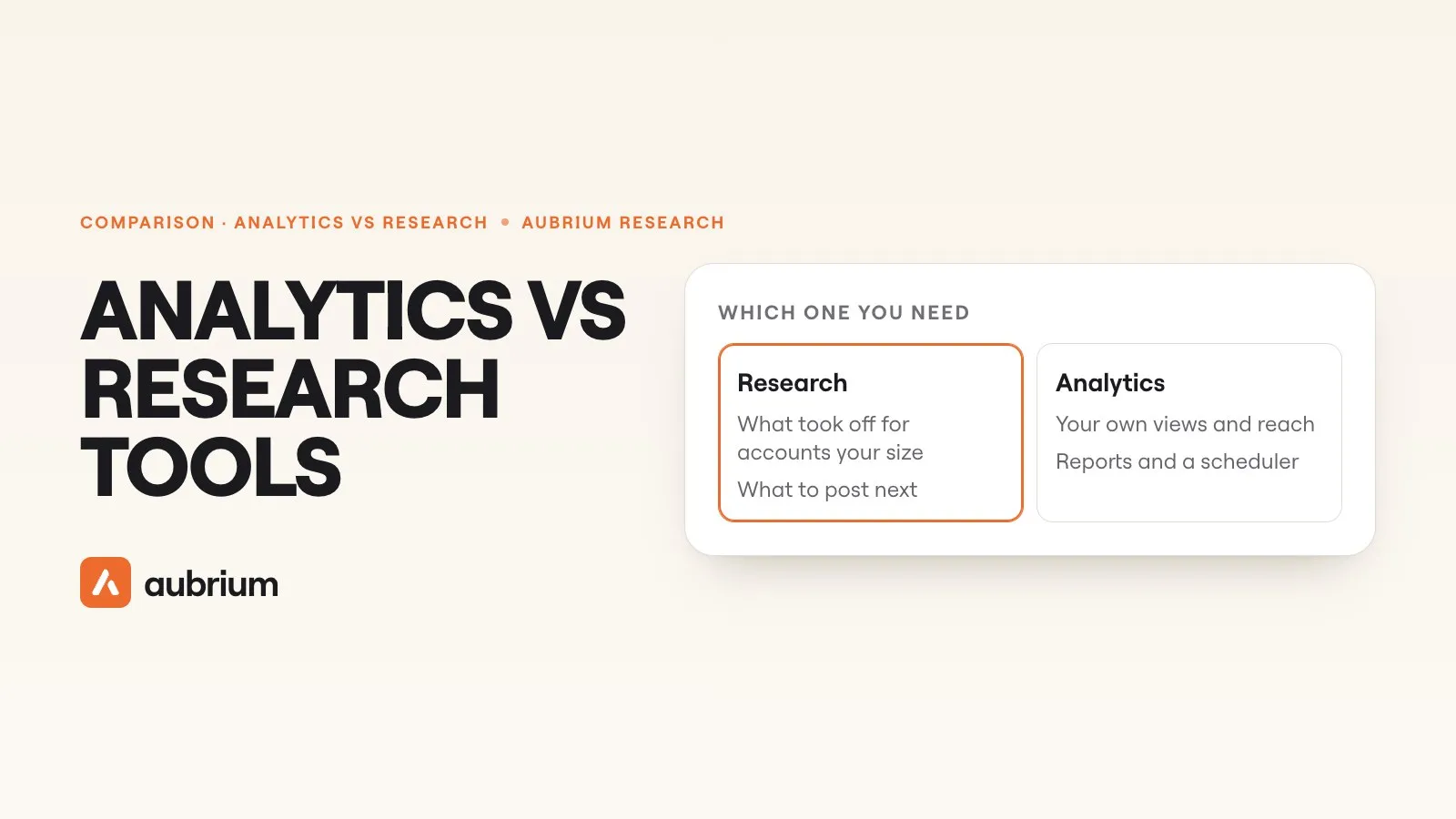 Tools & Comparisons13 min readInstagram analytics vs research tools: which one a creator actually needsAnalytics shows how your own posts did. Research shows what's working for everyone else. The best tools for each in 2026, and which one a creator needs first.
 Tools & Comparisons15 min readHow brands find viral content ideas on InstagramThe four ways brand teams find reel ideas on Instagram, the tools for each with prices, and what 4,100+ viral brand reels in our library have in common.
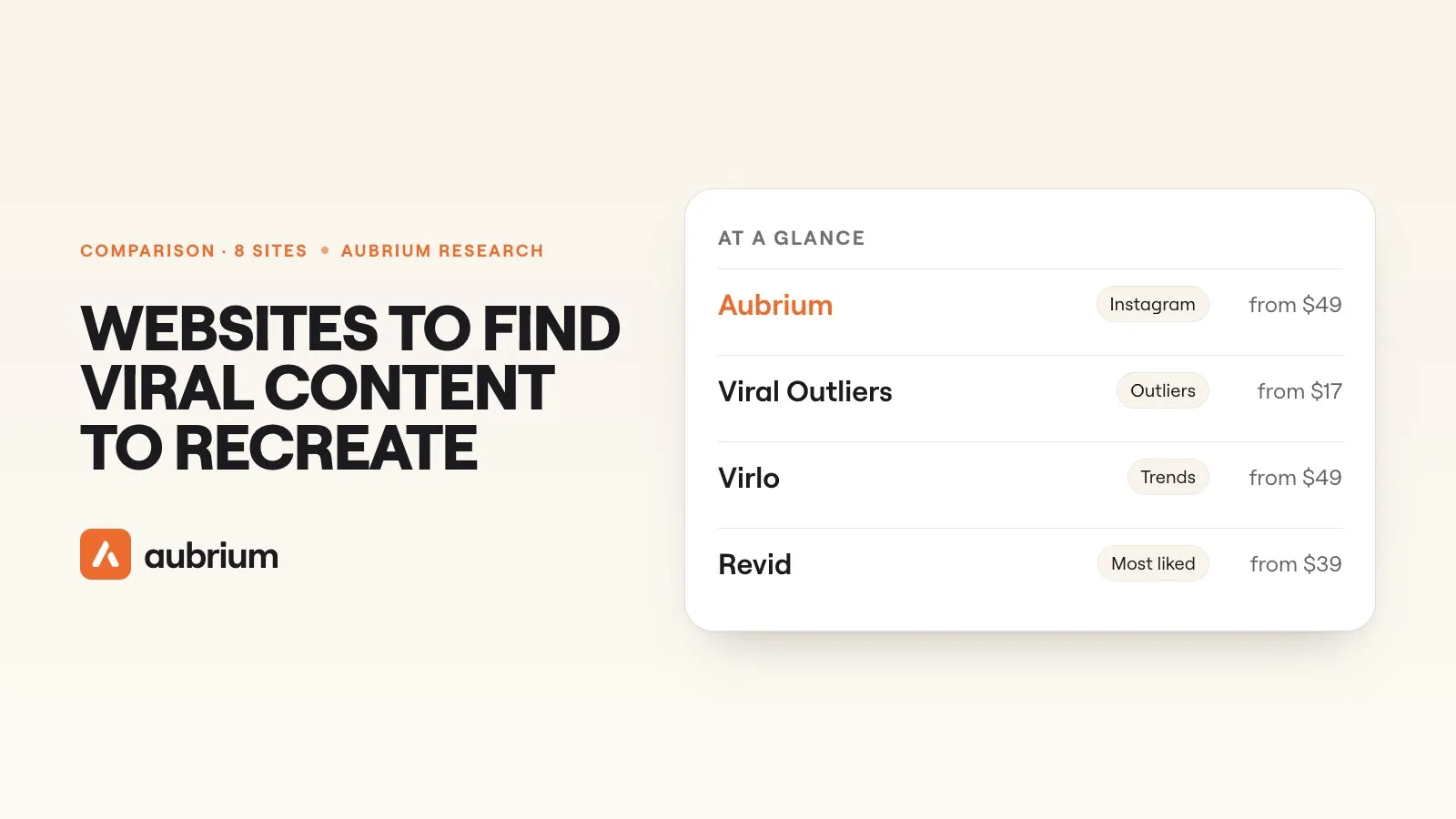 Tools & Comparisons12 min readThe best websites to find viral content to recreate (2026)Where to find viral videos worth remaking on Instagram, TikTok and YouTube, and how to recreate one so it's yours, not a copy. With our team's test numbers.