Best AI tools for planning Instagram content
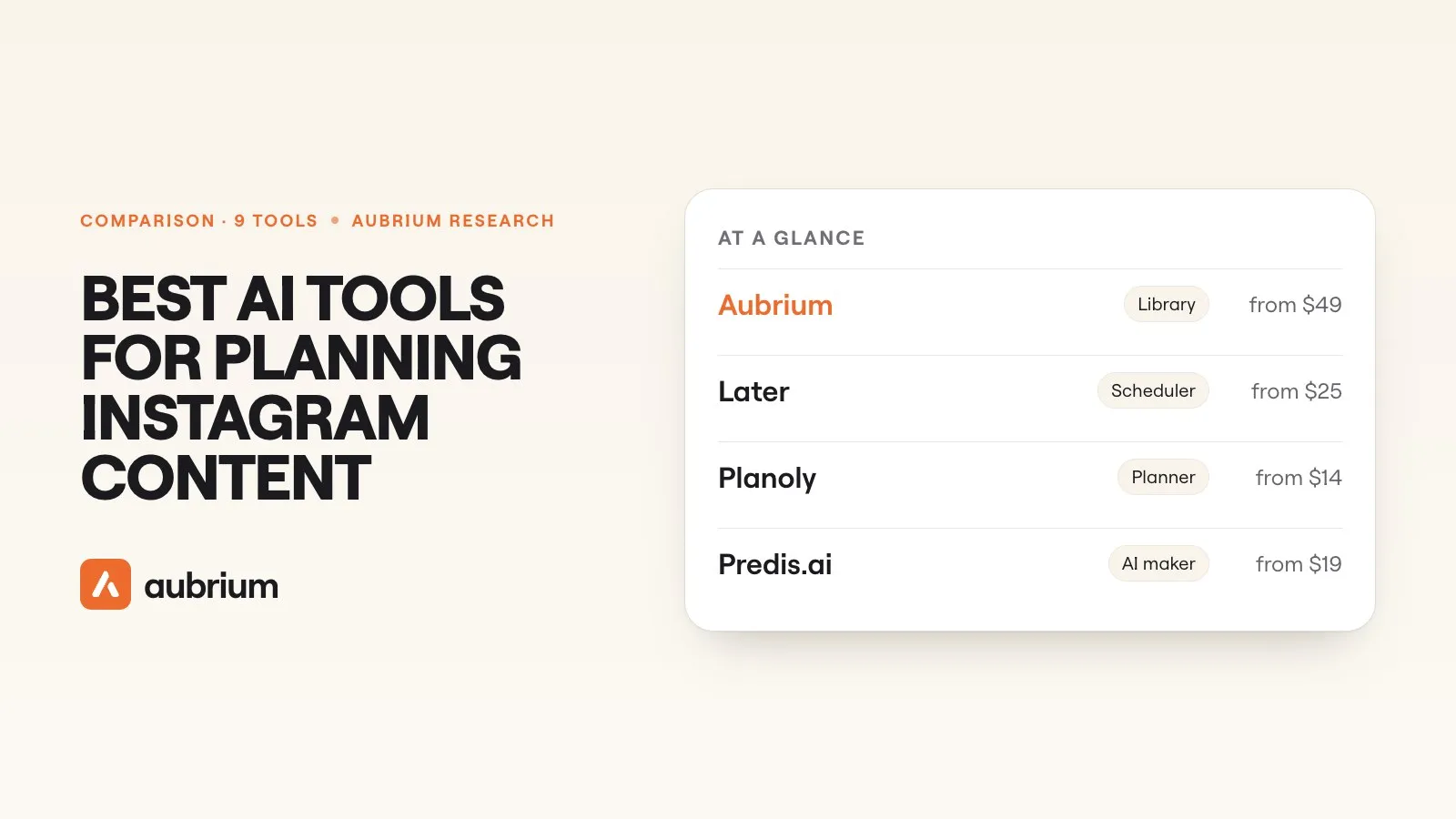
Planning has two halves: deciding what to post, and laying it on a calendar. Nine AI tools sorted by the half they handle, with today's prices and free plans.
It's Sunday night. Next week's calendar is open, and all seven days are blank.
Most planning tools are good at the grid. They'll hold seven posts, write a caption for each and publish them on time. Fewer help with the harder part, which is deciding what the seven posts are.
That part is worth getting right. In July 2026, @siddh…, an account with 8,824 followers, posted a tutorial reel. Its hook was "Stop wasting money on cleanups while growing your hair out. Do this instead." It reached 1,741,901 views, 197 times the account's followers. No calendar picked that topic. A person did.
So this guide splits nine tools by the half of planning they handle. We make Aubrium, and it's on this list, so read with that in mind. It's our pick for deciding what to post, because it shows which reels are taking off for accounts your size. It has no calendar and no scheduler. We read the other eight from their own sites on 16 November 2026, and we didn't test them hands-on.
The best AI tools for planning Instagram content cover two halves. To decide what to post, Aubrium shows what's taking off in your niche and writes your version. To lay it on a calendar, Later, Metricool, Buffer and Planoly schedule posts and add AI captions. Aubrium has no calendar or scheduler, so pair it with one of those.
What does planning Instagram content involve?
Planning Instagram content is two jobs: deciding what to post, and laying those posts on a calendar. Most tools are built for the second.
The topics, the hooks and the formats for the week. This is the half people get stuck on.
Aubrium, from posts that took off. ChatGPT, from a prompt.The dates, the times, the captions and the publishing.
Later, Metricool, Buffer, Planoly and Flick.Canva and Predis.ai sit across both. They make the post itself, and each has a calendar attached.
What does the AI in these tools do?
Mostly, it writes. From what their sites say, the AI in a scheduler drafts captions, rewords them and lists post ideas from a prompt.
Later says it can "instantly generate content pillars and content ideas".4 Buffer's assistant will "brainstorm ideas, rewrite content, and craft platform-specific posts", and Buffer adds, plainly, "Buffer is not an AI tool."6 Planoly offers "post ideas, keyword recommendations, and caption suggestions tailored to your brand".7
That's useful on a blank page. But notice where the ideas come from: your prompt and your brand. None of the pages we read describes a library of viral posts from accounts you don't follow.
What a scheduler's AI does, by their own sites
- Yes: Writes and rewords captions
- Yes: Lists post ideas from a prompt
- Yes: Suggests hashtags or keywords
- No: Shows which posts took off for accounts your size
That last line is the gap a research tool fills. It's also where content ideas come from more widely, and we cover the full set of sources in that guide.
What do the posts that take off look like?
A lot of them are tutorials, and most put text on screen. That's worth knowing before you fill a week, because a plan is also a mix of formats.
Among reels posted in the last 30 days, tutorials were 24.4%, so the mix is holding. Across the library, 83.6% of reels put text on screen. Our guide to what kind of reels go viral breaks the formats down further.
None of this says a tutorial will do well for you. It says what the reels that already took off have in common. A good plan borrows the format and brings its own idea.
The 9 tools at a glance
| Tool | Which half | What its AI does | Free plan? | Price from |
|---|---|---|---|---|
| 1. Aubrium | What to post | Writes your version of a post that took off | No: No | $49/mo |
| 2. ChatGPT | What to post | Drafts a plan from a prompt | Yes: Yes | Free plan; Plus $20/mo |
| 3. Later | Calendar | Captions and content ideas | No: None listed; 14-day trial | $25/mo |
| 4. Metricool | Calendar | A text assistant | Yes: Yes | Free plan |
| 5. Buffer | Calendar | Ideas and rewrites | Yes: Yes | Free plan |
| 6. Planoly | Calendar | Post ideas and captions | Partly: Yes, in the mobile app | $14/mo, as listed |
| 7. Flick | Calendar | Captions, plus hashtags | No: None found; 7-day trial | £11/mo, billed yearly |
| 8. Canva | Both | Drafts text; designs the post | Yes: Yes | Free plan |
| 9. Predis.ai | Both | A whole post from a prompt | No: 3-day trial, with a card | $19/mo, billed yearly |
The 9 tools, one by one
The first two help you decide. The next five hold the calendar. The last two make the post and plan it too.
1. Aubrium
Viral reel library, with a writerFrom $49/moBest for: Deciding what to post, from accounts your size
Aubrium is a library of more than 290,000 Instagram posts that reached far more people than their creator has followers. Every account in it has 1,000 to 100,000 followers. You filter by niche, country and format, and each reel shows its hook and how it was made.
For planning, you save the ones you could make into a collection: one per month, per client or per format. Make my version then writes your hooks, your script and a caption for each. It also works inside ChatGPT and Claude, where "Plan your week" is one of the things you can ask. It has no calendar and doesn't post: you film it and post it yourself.
- Pricing
- $49, $99 or $249 a month, for 2, 5 or 10 Instagram accounts.1
- Trial
- No free plan or trial. You can sign up with no card and see your niche's viral reels before you pick a plan. A first plan is refundable within 15 days.2
- Platforms
- Starts from posts that already took off
- Only accounts with 1,000 to 100,000 followers
- Collections to hold a month of posts
- No calendar, and it doesn't schedule or post
- Instagram only for now
- No free plan or trial
2. ChatGPT
General AI assistantFreeBest for: A first draft of a plan, from a prompt
ChatGPT is a general assistant. Describe your account, ask for a month of topics, and it drafts one. OpenAI's help pages say it "can search the web to answer questions with current information and links to relevant sources", on every plan. We didn't test ChatGPT for this page.
It can't see which reels went viral or post for you, unless you connect tools to it. That's the gap between Aubrium and ChatGPT, and some Instagram tools now work inside ChatGPT or Claude to close it. OpenAI's live pricing page didn't show us dollar amounts. So the Plus price comes from the Internet Archive, a service that saves dated copies of web pages. Its copy of OpenAI's help page is from 12 November 2026.3
- Pricing
- A free plan; Plus $20 a month, billed monthly, as archived on 12 November 20263
- Platforms
- Any; it writes text
- A free plan, with web search
- Fast at lists, outlines and captions
- Can't see which reels took off, on its own
- You carry the plan into a calendar yourself
3. Later
Scheduler with a visual plannerFrom $25/moBest for: Seeing the week laid out before it goes live
Later is built around visual planning. You arrange posts, and it publishes them. Its AI writes captions, at 1 credit each, and can generate content pillars and content ideas. We didn't test it hands-on; this comes from its own site.
The AI allowance is small on the first plan: 5 credits a month on Starter, 50 on Growth and 100 on Scale. Starter covers 1 user and 30 posts per profile. The pricing page lists no free plan, but there's a 14-day trial with no card.4
- Pricing
- $25, $50 or $110 a month; $18.75, $37.50 or $82.50 billed yearly4
- Trial
- 14 days, no card
- Platforms
- Instagram, Facebook, TikTok, Threads, YouTube, Pinterest, LinkedIn and Snapchat
- Visual planning on every plan
- AI captions and content ideas
- 5 AI credits a month on Starter
- No free plan listed
4. Metricool
Scheduler with analyticsFreeBest for: A free calendar with your numbers beside it
Metricool is a scheduler first, and a good one. Its calendar publishes carousels, stories and reels, and it reports on how they did. Its pitch for the AI assistant is that you can "say goodbye to blank pages". We didn't test it hands-on.
The free plan is "free, forever": 1 brand, 20 scheduled posts a month and 5 AI credits a month. Starter gives 20 AI credits per brand. It's a text assistant, and the pages we read don't mention scripts. For how it sits next to a research tool, see Aubrium vs Metricool.5
- Pricing
- A free plan; Starter from $25 a month, or $20 billed yearly, before VAT5
- Platforms
- Instagram and most other networks
- A free plan with a calendar and an AI assistant
- Analytics in the same tool
- 20 posts a month on the free plan
- Ideas come from a prompt
5. Buffer
SchedulerFreeBest for: A simple queue, with an AI assistant on every plan
Buffer keeps planning simple. You save ideas, turn them into posts and queue them. Its AI assistant is on every plan, the free one included. We didn't test it hands-on.
The free plan connects up to 3 channels, holds 100 ideas and queues 10 scheduled posts per channel at a time. Paid plans have a 14-day trial. Buffer doesn't look at other accounts for you.6
- Pricing
- A free plan; Essentials $5 a channel a month, billed yearly. Its monthly-billed price wasn't on the pages we read6
- Platforms
- Instagram and most other networks
- A free plan for 3 channels
- An AI assistant on every plan
- No research on other accounts
- 10 queued posts per channel on the free plan
6. Planoly
Visual planner and schedulerFrom $14/moBest for: Planning the grid, with a weekly list of trends
Planoly calls itself "the social media planner that goes way beyond scheduling". Its strength is visual planning of the Instagram grid. Its AI gives post ideas and caption suggestions, and it offers "three new, expertly-curated video trends every Monday". We didn't test it hands-on.
There's a free plan in the mobile app, with 10 uploads a month, and a 14-day trial on paid plans. One limit to know: it auto-posts a reel only if the video already has original audio. Its pricing page lists three prices and says an annual plan saves up to 15%. It didn't make clear to us whether the listed prices are the monthly-billed or the yearly-billed ones.7
- Pricing
- Starter $14, Growth $24 or Pro $47 a month, as listed7
- Trial
- 14 days on paid plans
- Platforms
- Instagram, TikTok, LinkedIn, Facebook, Pinterest, YouTube and Threads
- Visual grid planning at a low price
- A weekly list of video trends
- Reels auto-post only with original audio
- Billing basis of the listed prices unclear
7. Flick
Hashtag tool with a schedulerFrom £11/mo, billed yearlyBest for: Planning captions and hashtags together
Flick pairs a post scheduler and an Instagram feed planner with its hashtag tools. Its site lists AI caption writing and an "AI Social Marketing Assistant". Hashtags are the part it's known for. We didn't test it hands-on.
The first plan, Solo, links 4 social profiles and schedules 30 posts per profile a month. The pricing page showed us pounds, before tax, and only the yearly-billed rate. We found no dollar price, no monthly-billed price and no free plan.8
- Pricing
- Solo £11, Pro £24 or Agency £55 a month, billed yearly8
- Trial
- 7 days on every plan
- Platforms
- Instagram, Facebook, TikTok and LinkedIn
- Hashtag research beside the calendar
- AI caption writing
- No free plan found
- Prices shown to us in pounds only
8. Canva
Design tool with a plannerFreeBest for: Designing the posts and planning them in one place
Canva is where a lot of the plan gets made. Magic Write drafts captions and helps you "brainstorm faster and find new ideas". Content Planner lets you "create, plan and schedule social media", though the planner is a Pro feature. We didn't test it hands-on.
The free plan includes 25 Magic Write uses in total. Pro is US$144 a year for one person, or US$18 month to month, by Canva's own help article, with a 30-day trial. If carousels are most of your plan, see our guide to AI carousel generators.9
- Pricing
- A free plan; Pro US$144 a year, or US$18 month to month9
- Trial
- 30 days of Pro
- Platforms
- Any
- Design and planning in one tool
- A free plan
- The planner and scheduling are on Pro
- You bring the topic
9. Predis.ai
AI post and ad makerFrom $19/mo, billed yearlyBest for: Whole posts from one prompt, then a calendar
Predis.ai goes furthest with AI. Give it a prompt or a product link and it makes carousels and reels, then you can "schedule and autopost from the calendar". Its home page now leads with ads: "The AI Ad Generator". We didn't test it hands-on.
Read the plan table closely. The first plan, Core, lists "No Auto Posting". There's no free plan. Every plan starts with 3 days free, and it takes a card and charges it when day 3 ends. If it isn't the right fit, we compare the alternatives to Predis.ai in a guide of their own.10
- Pricing
- Core from $19 a month, billed yearly ($230)10
- Trial
- 3 days, with a card
- Platforms
- Instagram, Facebook, TikTok, YouTube, LinkedIn and Pinterest
- One prompt to a finished post
- Schedules and autoposts from its calendar, above Core
- No free plan
- Built for ads first
How do you plan a week with these tools?
Decide first, then schedule. In practice that's five short steps, and only the last one needs a calendar.
Look at what took off
Open your niche in Aubrium and filter to recent posts. No research tool? Ask ChatGPT for topics, then check them against real posts.
Save the ones you could make
Pick more than you need. Keep a mix of formats, not seven tutorials.
Write your versions
Your hook, your script, your caption. Keep the format and bring your own idea.
Make them
Film the reels. Design the carousels in Canva.
Put them on the calendar
Load them into Later, Metricool, Buffer or Planoly, and let the scheduler's AI tidy the captions.
Notice where the AI helps most. In steps one to three, it's choosing and writing. By step five, it's polish.
Which one is right for you?
| If you… | Pick |
|---|---|
| don't know what to post | Aubrium |
| want a quick list of topicsfrom a prompt | ChatGPT |
| want a calendar without paying | Metricool or Buffer |
| care how the grid looks | Later or Planoly |
| plan around hashtags | Flick |
| design most of your posts | Canva |
| want AI to make the whole post | Predis.ai |
Most people need one tool from each half. The pairing we'd suggest is Aubrium for the posts, then Buffer or Metricool on a free plan for the calendar.
Questions people ask
What is the best AI tool for planning Instagram content?
It depends which half of planning you mean. To decide what to post, our pick is Aubrium, which starts from posts that already took off in your niche. To put posts on a calendar, Later, Metricool, Buffer and Planoly all schedule and include AI for captions.
Can ChatGPT plan my Instagram content?
It can draft a plan from a prompt, and it can search the web on every plan. It can't see which reels went viral or post for you, unless you connect tools to it. We didn't test ChatGPT for this page.
Is there a free AI Instagram planner?
Yes. Metricool and Buffer both list a free plan with a calendar and an AI assistant. Planoly has a free plan in its mobile app, and Canva's free plan includes 25 Magic Write uses. Aubrium has no free plan or trial.
Does Aubrium have a content calendar?
No. Aubrium shows what's taking off in your niche and writes your version. It has no calendar and doesn't schedule or post, so most people pair it with a scheduler.
Do AI planning tools post for you?
The schedulers do: Later, Metricool and Buffer all publish for you. Planoly auto-posts a reel only if the video has original audio. Predis.ai's first plan lists "No Auto Posting".
Which planner shows your Instagram grid?
Planoly and Later are built around visual planning, and Flick lists an Instagram feed planner. Metricool and Buffer use a calendar and a queue.
How we did this
We read each tool's own site on 16 November 2026: its home page, its pricing page and its help pages. We quote them where the wording matters. ChatGPT, Later, Metricool, Buffer, Planoly, Flick, Canva and Predis.ai weren't tested hands-on: what we say about them comes from their own sites. OpenAI's help pages refused our reads, so ChatGPT's facts come from Internet Archive copies saved on 30 October and 12 November 2026.
Where a site didn't give us a price in dollars, or didn't say how a price is billed, we say so and don't guess. The list started from the tools ChatGPT names when you ask it this question. Aubrium's library numbers come from its own database, read on 16 November 2026.
Apps change; if something here is out of date, tell us and we'll fix it and move the date. And yes, Aubrium makes this page.
Sources
- Aubrium pricingaubrium.com · Plans and accounts. And Collections; hooks, scripts and captions: you film and post it yourself; integrations: ChatGPT and Claude. Read 16 November 2026.
- Can I get a refund?Aubrium Help Center · A first subscription refunded in full within 15 days. And looking round before a plan. Read 16 November 2026.
- What is ChatGPT Plus?, archived copyInternet Archive · The Plus price, saved 12 November 2026. And ChatGPT search, archived, saved 30 October 2026; ChatGPT pricing: plan names, no amounts shown to us. Read 16 November 2026.
- Later pricinglater.com · Plans, AI credits and the 14-day trial. Read 16 November 2026.
- Metricool pricingmetricool.com · The free plan, Starter and AI credits. And its home page. Read 16 November 2026.
- Buffer pricingbuffer.com · The free plan, Essentials and the trial. And its AI assistant. Read 16 November 2026.
- Planoly pricingplanoly.com · Starter, Growth and Pro; the free mobile plan; the trial. And its home page; the product page. Read 16 November 2026.
- Flick pricingflick.social · Solo, Pro and Agency in pounds, billed yearly; the 7-day trial. And its home page. Read 16 November 2026.
- Canva pricingcanva.com · Free and Pro. And Canva Pro vs Enterprise: the month-to-month price and the 30-day trial; Content Planner; Magic Write. Read 16 November 2026.
- Predis.ai pricingpredis.ai · Plans, the 3-day trial, "No Auto Posting". And its home page. Read 16 November 2026.
Changelog
- First version.
Read next
 Tools & Comparisons11 min readIs there an app that tells you what to post next on Instagram?Yes, several. They answer from three places: your own numbers, an AI prompt, or posts that already worked for accounts like yours. Seven apps, sorted by which.
 Tools & Comparisons14 min readBest tools to find viral Instagram carouselsTen tools in two groups: five that find carousels worth studying and five that build the slides. What each one shows you, where its posts come from, and its price.
 Tools & Comparisons14 min readBest tools to turn a viral reel into your own versionRemaking a viral reel is two jobs: rewrite the idea as your own script, then make the video. Nine tools sorted by job, with prices and our blind script test.