Best apps for Instagram content ideas in 2026
Ideas come from four places: searches, other platforms, an AI draft, and posts that already took off on Instagram. Ten apps, sorted by which one they give you.
"We are a 34-year-old factory." That line opened a factory tour posted in July 2026 by @meier…, an account with 6,717 followers. The reel reached 3,697,393 views. That's 550 times the account's followers.
No brainstorm hands you that. Nobody types "content ideas" into an app and gets back "walk people round your old factory". We only know the idea works because somebody posted it and it took off.
That's the trouble with most lists of idea apps. They mix four different things: what people search for, what's trending on another platform, what an AI can draft, and what already took off on Instagram. Those are different kinds of help.
This guide sorts ten apps by which kind they give you. We make Aubrium, and it's on this list, so read with that in mind. We read the other nine from their own sites on 16 November 2026, and we didn't test them hands-on. If you only want reel finders, our comparison of the tools that find viral reels goes deeper.
The best app for Instagram content ideas in 2026 is Aubrium, if you want ideas that already took off on Instagram for accounts your size. It's a library of viral reels you filter by niche and country. Edits, Instagram's own app, adds a feed of trending reels. AnswerThePublic and Pinterest Trends show what people search. ChatGPT and Canva draft ideas from a prompt.
Where do Instagram content ideas come from?
Four places, and each app on this list sits in one of them.
What people search for
AnswerThePublic and Pinterest Trends show the questions and searches around a topic. They're good for picking what to talk about. They don't show you posts.
What's trending on another platform
TikTok Creative Center shows TikTok's trending hashtags and its top ads. It helps when your idea can travel between apps.
What an AI drafts
ChatGPT, Canva, Later and Metricool write ideas or captions from a prompt. It's fast. The idea is untested until you post it.
What already took off on Instagram
Edits shows a feed of trending reels. CILA ranks posts from accounts you add. Aubrium is a library you search by niche.
The first three tell you what might work. The fourth shows you what did. That's why we'd start there and use the others to fill the gaps.
It also explains why this list is wider than our guide to AI tools for Instagram reel ideas. That one compares idea tools built for reels. This one covers every place a creator looks.
What do ideas that took off have in common?
Most are plainer than you'd guess, and a lot of them came from small accounts. We checked Aubrium's library, which holds more than 270,000 viral reels from accounts with 1,000 to 100,000 followers.
Aubrium's library, 16 November 2026. Every reel in it had already taken off, so none of these is the odds for a new post.
Look at the smallest accounts. Among viral reels from accounts under 2,000 followers, the middle one got 134,138 views. That's 93.4 times its creator's followers.
So a good source of ideas lets you look at small accounts on purpose. A list ranked by raw views tends to fill up with accounts that were already big. An idea that worked for a brand with a film crew may not be one you can make on a phone.
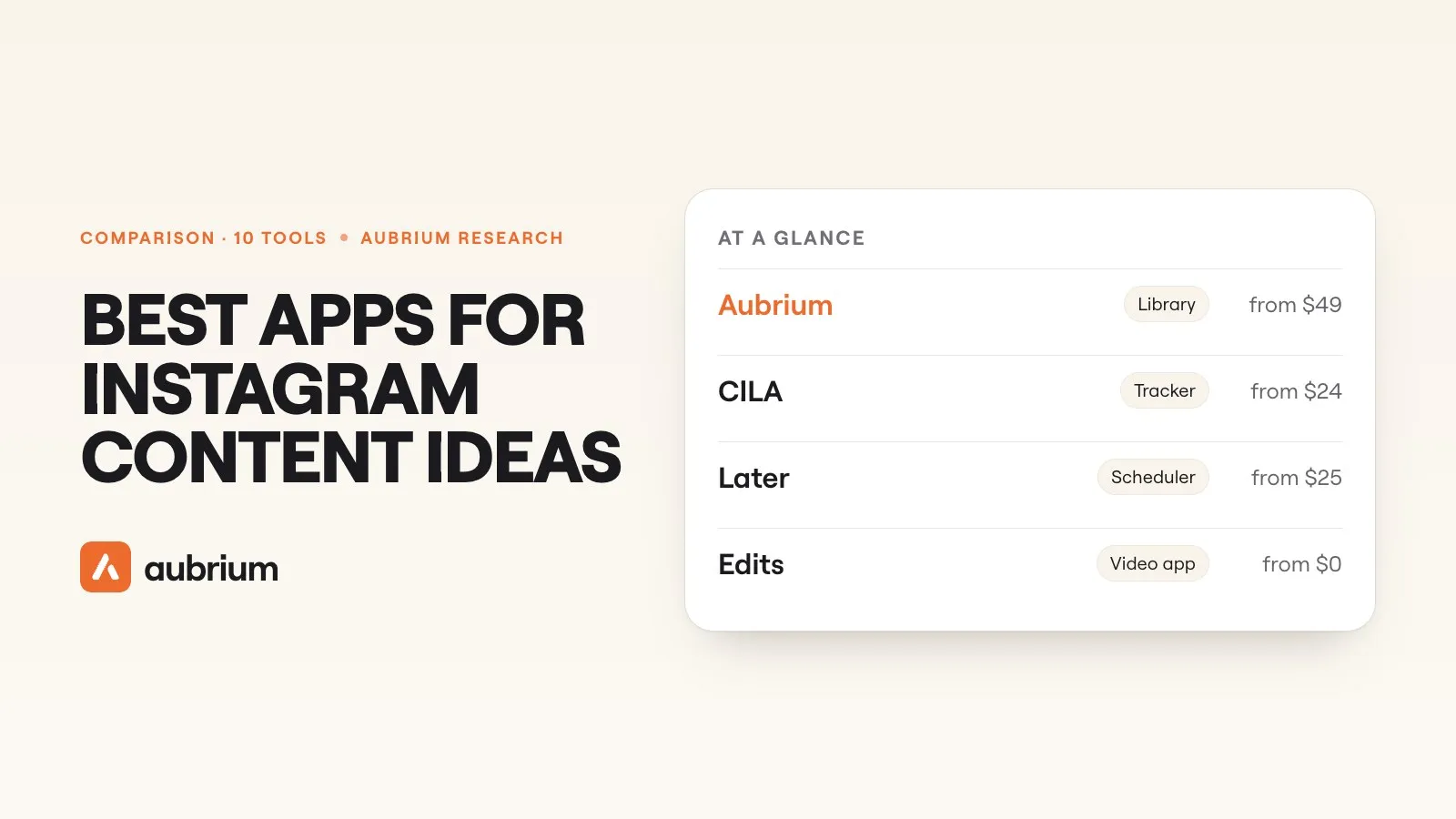
The 10 apps at a glance
| App | Where its ideas come from | Free plan? | Price from |
|---|---|---|---|
| 1. Aubrium | Instagram posts that took off, by niche | No: No | $49/mo |
| 2. Edits | Reels trending on Instagram | Yes: A free app | Free |
| 3. CILA | Accounts you choose to track | No: None found | $24/mo |
| 4. ChatGPT | A prompt, plus web search | Yes: Yes | $20/mo for Plus |
| 5. Canva | A prompt, plus templates | Yes: Yes | US$144/yr for Pro |
| 6. AnswerThePublic | What people search | Partly: Free daily searches | Not shown to us |
| 7. Pinterest Trends | Pinterest searches and saves | Partly: No price stated | Not stated |
| 8. TikTok Creative Center | TikTok hashtags and ads | Yes: Yes | Free |
| 9. Later | A prompt, plus hashtag search | No: 14-day trial | $25/mo |
| 10. Metricool | An AI assistant, plus competitor stats | Yes: Yes | $25/mo |
The 10 apps, one by one
1. Aubrium
Viral post library, with a writerFrom $49/moBest for: Ideas that already took off for accounts your size
Aubrium is a library of more than 290,000 Instagram posts that reached far more people than their creator has followers. Every account in it has 1,000 to 100,000 followers. You filter by niche, country, format, account size and hook type, and each reel shows its hook, transcript, caption and audio.
When a reel fits, Make my version writes your hooks, your script and a caption. You can also search any topic, or track a rival to see which of their posts took off. It doesn't film, edit or post for you, and it doesn't cover TikTok or YouTube yet.
- Pricing
- $49, $99 or $249 a month, for 2, 5 or 10 Instagram accounts.1
- Trial
- No free plan or trial. You can sign up with no card and see your niche's viral reels before you pick a plan. A first plan is refundable within 15 days.2
- Platforms
- Ideas come from real posts, with their numbers
- Only accounts with 1,000 to 100,000 followers
- Filters for niche and country
- Instagram only for now
- No free plan or trial
- Doesn't edit video or schedule
2. Edits
Instagram's own video appFreeBest for: A feed of trending reels, inside the editor
Edits is Instagram's own app, and that's its strength. Instagram says its inspiration tab gives "personalized inspiration based on what you post, including trending audios, popular topics, and ready-to-use templates". Since August 2026 the tab has search: type a topic and get "audio, ideas and templates".3
The feed is chosen for you. Instagram's help page says trending reels are suggested "based on things like how popular the reel may be". The pages we read mention no filter for account size or country. An assistant that answers "what's trending" is rolling out in the US only, with a daily prompt limit.4 We go further in whether Edits is enough for reel ideas.
- Pricing
- Free to download. The App Store lists in-app purchases, and we couldn't find what they are.3
- Platforms
- Instagram; iPhone, Android and now Mac
- Instagram's own data
- Free, with an editor built in
- No account-size or country filter on the pages we read
- The assistant is US only for now
3. CILA
Account trackerFrom $24/moBest for: Watching a list of accounts you already know
CILA calls itself "an Instagram and TikTok account tracking tool". You add creators and brands to lists, and it shows which of their posts did better than usual. Its line is a good one: "Look for outliers instead of views and likes." You can see transcripts and sounds, and filter to photos, videos or carousels.5
The catch is in the design. It only knows the accounts you give it. If you don't know who to watch yet, it can't tell you. We didn't test it hands-on; this comes from its own site.
- Pricing
- $24 a month, $12 for the first month; Business is $48 for 250 accounts.5
- Trial
- No free plan or trial on its site; a 7-day money-back guarantee.5
- Platforms
- Instagram and TikTok
- Up to 50 accounts on the entry plan
- Works inside Claude or ChatGPT on a paid account
- You have to find the accounts first
4. ChatGPT
General AI assistantFrom Free planBest for: A fast list of ideas to react to
ChatGPT is the quickest way to get a long list of ideas on a page. It's a general assistant, and it can search the web on every plan, the free one included.6 Ask for a month of topics in your niche and you'll have them in seconds.
What you get is a draft. An idea from a chat hasn't been posted, so nobody knows how it lands. We didn't test ChatGPT for this page. Our piece on Aubrium and ChatGPT for reel ideas covers where each one fits.
- Pricing
- A free plan; Plus is $20 a month. OpenAI's live pricing page didn't show us its figures, so this comes from an archived copy of its help page.6
- Platforms
- Not tied to one
- A free plan, with web search
- Good at rewording and expanding
- Ideas are drafts, with no numbers behind them
5. Canva
Design toolFrom Free planBest for: Turning a loose idea into a finished post
Canva is where an idea becomes slides. Its Instagram page covers carousels, feed posts, reels and stories from "ready-made templates, AI helpers, and drag-and-drop tools". Magic Write drafts captions and helps you "brainstorm faster and find new ideas".7
A template is a layout, though. It doesn't say what your post should be about. The pages we read offer no way to find or search other accounts' posts. On the free plan, Magic Write allows "up to 25 uses in total".
- Pricing
- A free plan; Pro is US$144 a year for one person.7
- Platforms
- Any
- Templates for every Instagram format
- A free plan
- You bring the topic
- Scheduling is on Pro
6. AnswerThePublic
Search listening toolFrom Free searchesBest for: Finding the questions people ask about a topic
AnswerThePublic calls itself "a search listening and keyword research platform". You type a topic and see the questions people search around it. For a post that teaches, those questions are ready-made subjects.8
Its own screens say you get one free search a day with no account. Make one and you get three a day, with "no credit card needed". It shows searches, so you won't see a single Instagram post. You still have to work out how to film the answer.
- Pricing
- Its plans are Starter, Growth and Business. Its pricing page didn't show us their prices, so we can't give them.8
- Platforms
- Search engines
- Free daily searches
- Real questions, in people's own words
- No Instagram posts
- Prices not shown on the page we read
7. Pinterest Trends
Search trend toolFrom No price statedBest for: Seeing when a topic comes into season
Pinterest Trends shows what people search and save on Pinterest. Pinterest says it gives "a historic view (up to the last two years)" of top trends "across different regions and countries". You can see when people start looking for something, which is handy for seasonal posts.9
It's Pinterest's data, so it tells you about interest, and nothing about how a reel did. Pinterest adds that some features are "only available for certain regions". Its help page states no price.
- Pricing
- No price on Pinterest's help page.9
- Platforms
- Two years of search history
- Good for timing a seasonal topic
- No Instagram data
- Some features only in some regions
8. TikTok Creative Center
TikTok's trend and ad hubFreeBest for: Checking what's trending on TikTok
TikTok describes Creative Center as "a free, public home" where you can "discover the latest trends, ad examples, best practices, and tools to create effective TikTok ads". Its Trends section "displays trending hashtags by industry". Its Top Ads section can be filtered "by Region, Industry, Campaign Objective, and more".10
Every line on the pages we read is about TikTok, and much of it is about ads. Instagram isn't mentioned. An idea can cross over, but you won't see how it did on Instagram. We answer that in whether Instagram has a Creative Center of its own.
- Pricing
- Free. TikTok says "a login is not required".10
- Platforms
- TikTok
- Free, with no login needed
- Trending hashtags by industry
- TikTok only, on the pages we read
- Built around ads
9. Later
SchedulerFrom $25/moBest for: Ideas beside the calendar you post from
Later is a scheduler first. Its AI tools "instantly generate content pillars and content ideas", and write captions. It can also search Instagram by hashtag or by profile, so you can "search, collect, and repost media".11
That search collects posts. Later's pages don't say it ranks them by how far they went. The entry plan includes 5 AI credits a month, so the idea tools are a side dish.
- Pricing
- $25, $50 or $110 a month; $18.75, $37.50 or $82.50 billed yearly.11
- Trial
- 14 days, no card. Its pricing page lists no free plan.11
- Platforms
- Instagram and seven other networks
- Plan and schedule in one place
- Search by hashtag or profile
- No free plan on its pricing page
- Few AI credits on the entry plan
10. Metricool
Scheduler and analyticsFrom Free planBest for: A free scheduler with a small idea helper
Metricool is a scheduler first, and a good one. Its site pitches an "AI assistant when you run out of ideas". Its free plan analyses 5 competitor profiles, and Starter up to 100.12
For ideas, mind its limit. It only tracks the accounts you name, and it doesn't flag which reel beat an account's usual; you sort and judge. Our piece on Aubrium and Metricool explains why many people use both.
- Pricing
- A free plan; Starter from $25 a month, or $20 billed yearly, before VAT.12
- Platforms
- Instagram and most other networks
- A free plan, kept for as long as you like
- Competitor stats on every plan
- AI credits are few: 5 a month on the free plan
- It isn't built to find viral reels
Is a trending sound a content idea?
Rarely. A sound sits on top of a reel, and the idea is what happens in it.
The library backs this up. It holds more than 8,300 reels posted in the last 30 days. Only 33.9% of them use a song, and 59.6% use the creator's own sound. Those songs are spread thin: more than 2,000 different songs across more than 2,800 reels. The most-used song was on only 0.26% of the month's reels.
There's a practical limit too. Instagram's own list of trending audio "is only available in the US and on the Instagram mobile app".13 If you're elsewhere, you won't see it. We cover the workarounds in how to find trending audio.
Which app should you start with?
Start with the one that matches what you're missing. Most creators need a source of ideas that took off, plus one cheap helper.
| If you… | Start with |
|---|---|
| want ideas that took off for accounts your size | Aubrium |
| want to spend nothing | Edits, plus the free plans of ChatGPT and Canva |
| already know which accounts to watch | CILA |
| teach, and need questions to answer | AnswerThePublic |
| post seasonal content | Pinterest Trends |
| also post on TikTok | TikTok Creative Center |
| need a calendar more than ideas | Later or Metricool |
| have the idea and need the design | Canva |
Before you pay for any idea app
- Yes: Check it shows real posts with their numbers
- Yes: Check you can limit it to accounts near your size
- Yes: Check it covers your country, if that matters to you
- No: Don't count a template or a trending sound as an idea
- No: Don't pay for a scheduler to fix an idea problem
If your account is small, our guide to content idea tools for small accounts narrows this list further.
Questions people ask
What is the best app for Instagram content ideas?
Aubrium, if you want ideas that already took off on Instagram for accounts with 1,000 to 100,000 followers. For a free start, Edits shows a feed of trending reels, and ChatGPT drafts ideas from a prompt.
Is there a free app for Instagram content ideas?
Yes, several. Edits is free to download. ChatGPT, Canva and Metricool have free plans, and AnswerThePublic gives free daily searches. Aubrium has no free plan or trial.
Does Instagram have its own app for content ideas?
Yes. Edits, Instagram's video app, has an inspiration tab with trending audio, popular topics and templates. Instagram says the tab is based on what you post.
Can ChatGPT give me Instagram content ideas?
Yes. It will draft as many as you ask for, and it can search the web. Those ideas are drafts until you post them. Some tools, Aubrium among them, also work inside ChatGPT and Claude.
Can I use TikTok trends for Instagram ideas?
You can borrow them. TikTok Creative Center shows trending hashtags and top ads on TikTok, with no login needed. It won't show how the same idea did on Instagram.
Where do small accounts find content ideas?
From other small accounts. In Aubrium's library, 43.3% of the reels came from accounts under 10,000 followers. Those reels had all taken off already, so that's a share of the library, and no promise for a new post.
Do I need more than one app?
Usually two. One shows what took off, and one helps you make or schedule the post. Aubrium doesn't edit video or schedule, so pair it with an editor.
How we did this
We read each app's own site on 16 November 2026: its home page, its pricing page and its help pages. We quote them where the wording matters. We didn't test Edits, CILA, ChatGPT, Canva, AnswerThePublic, Pinterest Trends, TikTok Creative Center, Later or Metricool hands-on: what we say about them comes from their own sites.
Where a site didn't state something, we say so. AnswerThePublic's pricing page didn't show us its prices, so we left them out. OpenAI's live pricing page showed no figures, so ChatGPT's price comes from an Internet Archive copy. Pinterest's help page gives no price.
Aubrium's library numbers come from its own database, read on 16 November 2026. Apps change; if something here is out of date, tell us and we'll fix it and move the date. And yes, Aubrium makes this page.
Sources
- Aubrium pricingaubrium.com · Plans, accounts and Sparks. Read 16 November 2026.
- Can I get a refund?Aubrium Help Center · A first subscription refunded in full within 15 days. And looking round before a plan. Read 16 November 2026.
- Inspiration in EditsInstagram · The inspiration tab. And video insights and search, 19 August 2026; Edits on the App Store; Edits for Mac, 5 November 2026. Read 16 November 2026.
- View trending reels on EditsInstagram Help Center · How trending reels are suggested. And the Edits assistant, 30 September 2026: US only, a daily prompt limit. Read 16 November 2026.
- CILAcila.app · What it tracks, plans, the money-back guarantee. And CILA in Claude or ChatGPT. Read 16 November 2026.
- What is ChatGPT Plus?OpenAI Help Center, Internet Archive copy of 12 November 2026 · The Plus price. And ChatGPT search, copy of 30 October 2026: web search on every plan. Read 16 November 2026.
- Canva pricingcanva.com · Free and Pro. And Canva for Instagram; Magic Write; Content Planner. Read 16 November 2026.
- AnswerThePublicanswerthepublic.com · What it is, the free daily searches. And its pricing page: plan names; no prices in the page we read. Read 16 November 2026.
- Pinterest TrendsPinterest Business Help Center · What the tool shows, regions. Read 16 November 2026.
- About Creative CenterTikTok Business Help Center · What it is, login. Last updated July 2026. And how to use Trends; Top Ads. Read 16 November 2026.
- Later pricinglater.com · Plans, the trial, AI credits, hashtag and profile search. Read 16 November 2026.
- Metricool pricingmetricool.com · The free plan, Starter, competitors, AI credits. And its home page. Read 16 November 2026.
- Find trending audio on InstagramInstagram Help Center · US only, on the mobile app. Read 16 November 2026.
Changelog
- First version.
Read next
 Tools & Comparisons14 min readBest tools to turn a viral reel into your own versionRemaking a viral reel is two jobs: rewrite the idea as your own script, then make the video. Nine tools sorted by job, with prices and our blind script test.
 Tools & Comparisons15 min readTools like vidIQ, but for InstagramvidIQ tells YouTubers what to make next. Ten tools that do that job, or its stats half, on Instagram, with what vidIQ's own pages say it now does for Reels.
 Tools & Comparisons15 min readThe best Viral Sonar alternatives for finding viral reelsViral Sonar brings you the reels taking off in one niche, once a day. Eight alternatives, ours included: which ones you can search, and which write the script too.